
Introduced in Unity 6.6
Control 2D lighting
Choose which lights affect each character or object in a 2D scene.
Explore features across the Unity 6 family, including earlier releases.
These are selected launch highlights, not every release-note change. Availability depends on your Editor version and any listed requirements.
Showing 61 of 61 feature highlights
Introduced in Unity 6.6
Choose which lights affect each character or object in a 2D scene.
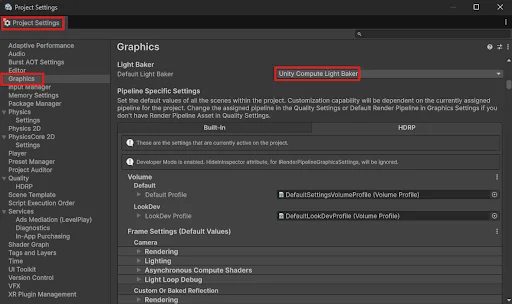
Introduced in Unity 6.6
The new light baker uses graphics hardware to speed up lighting calculations.
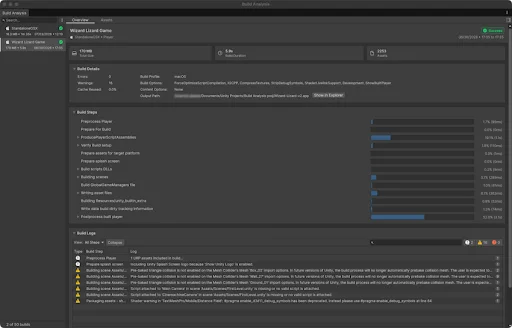
Introduced in Unity 6.6
Build Analysis shows build times, large assets, and errors together.
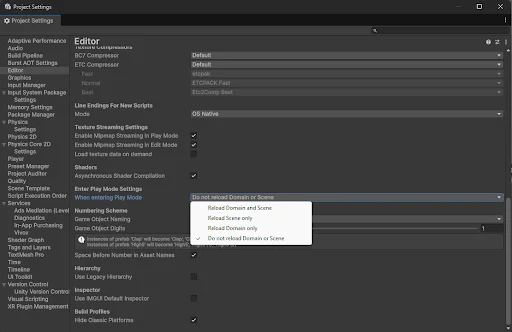
Introduced in Unity 6.6
New projects skip code reloading when you press Play, reducing the wait before testing.
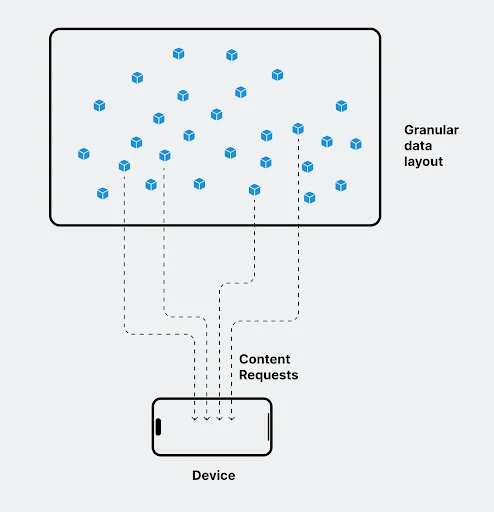
Introduced in Unity 6.6
Content directories give teams finer control over local asset loading.
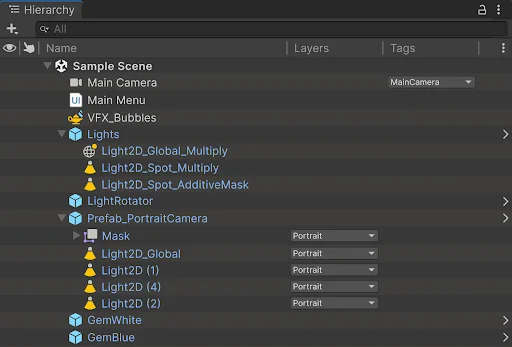
Introduced in Unity 6.6
The new Hierarchy adds customizable columns and faster scene navigation.
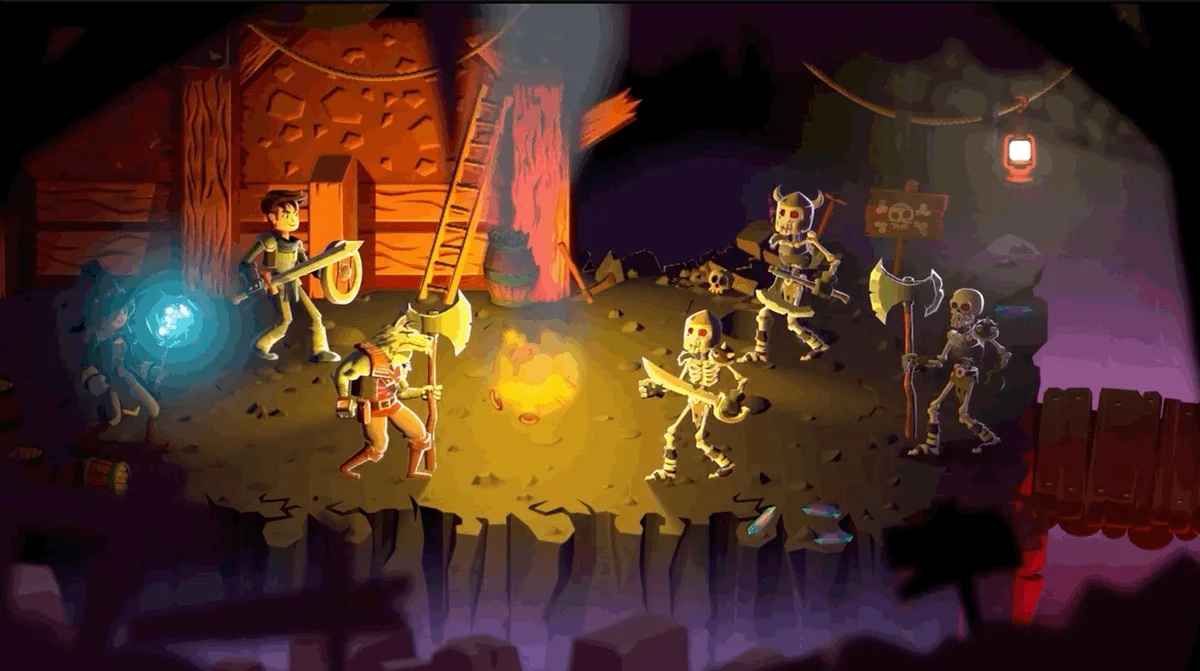
Introduced in Unity 6.6
Animated sprites can cast shadows that follow their changing shape.
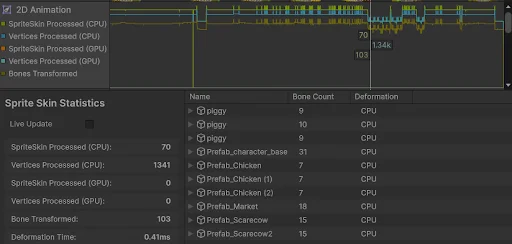
Introduced in Unity 6.6
New Profiler modules track 2D animation, tilemaps, and lighting.
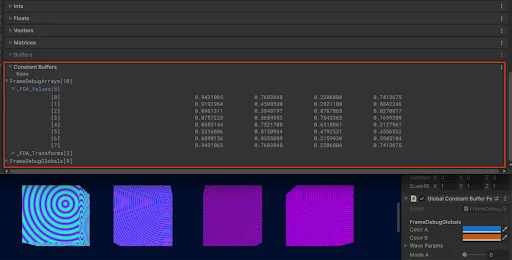
Introduced in Unity 6.6
Frame Debugger exposes more shader data to help investigate visual problems.
Introduced in Unity 6.6
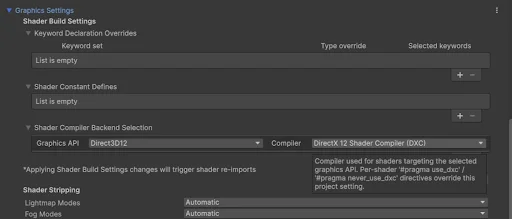
New compiler settings unlock newer shader features for DirectX 12.
Introduced in Unity 6.6
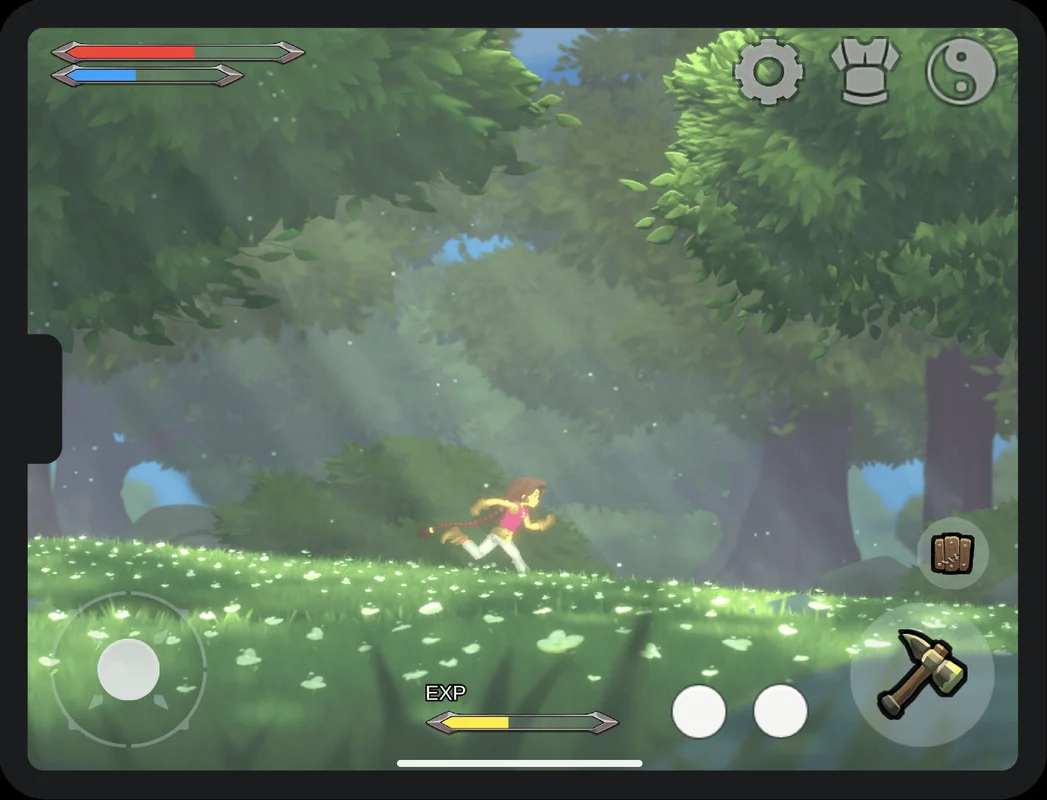
Safe-area layouts keep interfaces away from screen notches and system gestures.
Introduced in Unity 6.6
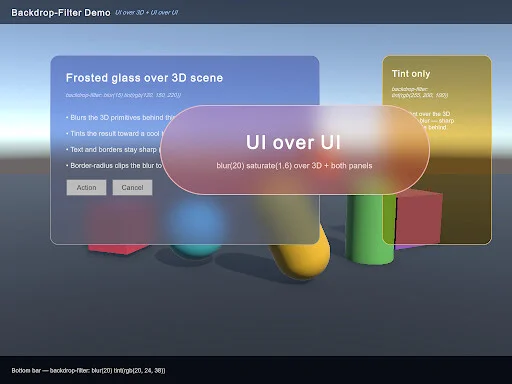
Background filters add blur and other effects behind interface elements.
Introduced in Unity 6.6
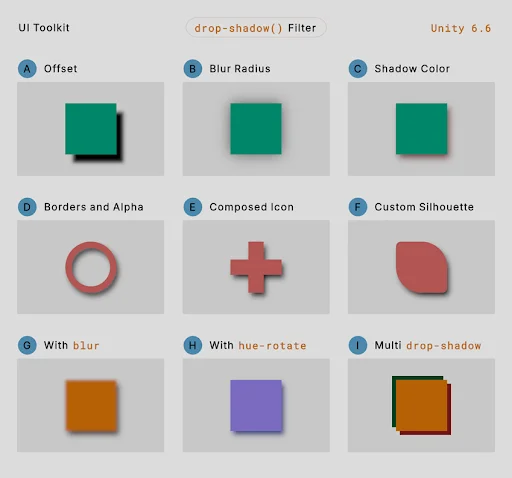
UI Toolkit adds soft shadows around interface elements.
Introduced in Unity 6.6
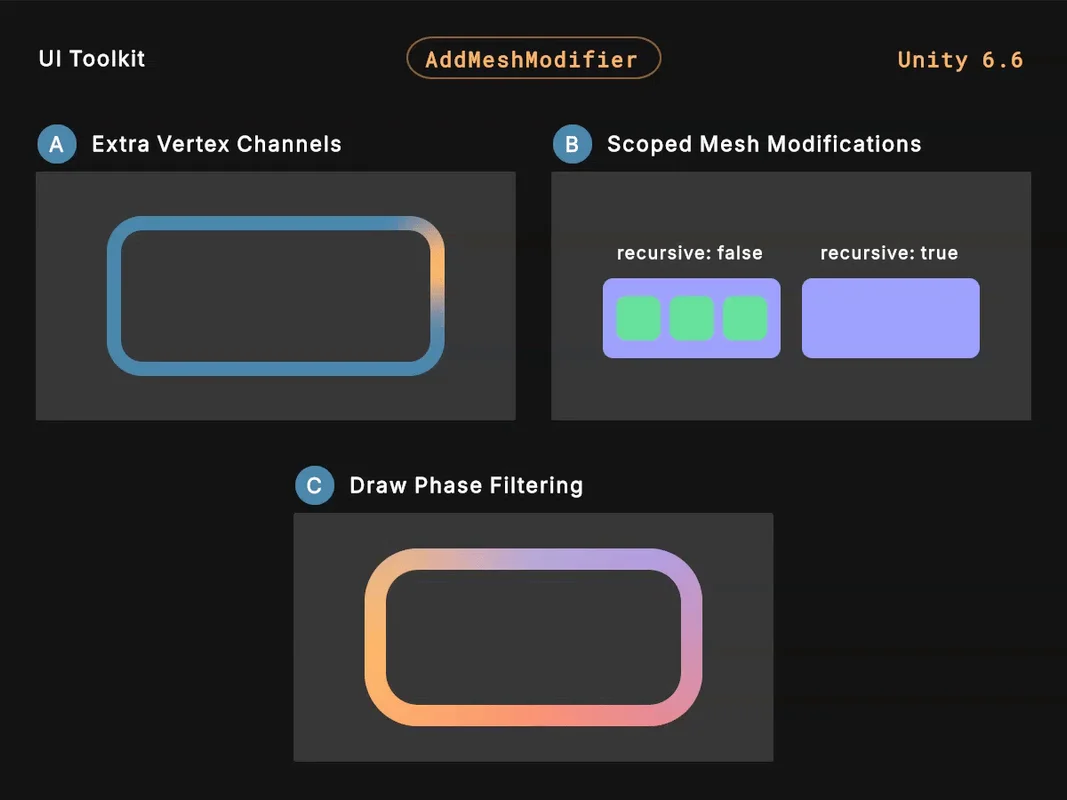
Mesh modifiers let teams bend and reshape interface elements.
Introduced in Unity 6.6
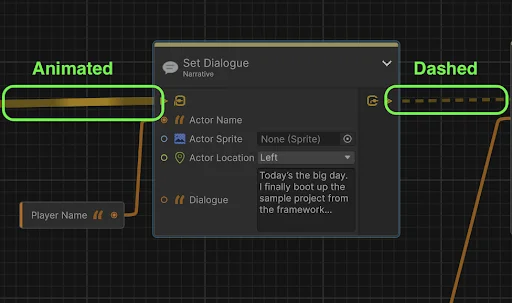
Graph Toolkit can show active connections, live data, and errors inside a graph.
Introduced in Unity 6.6
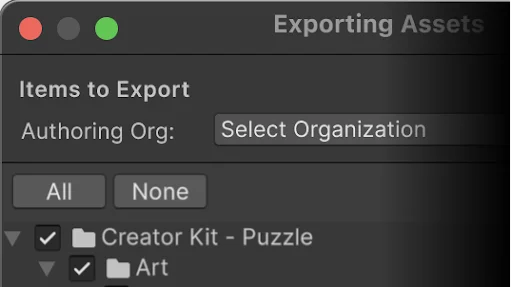
Signed Unity package files help identify who published imported content.
Introduced in Unity 6.5
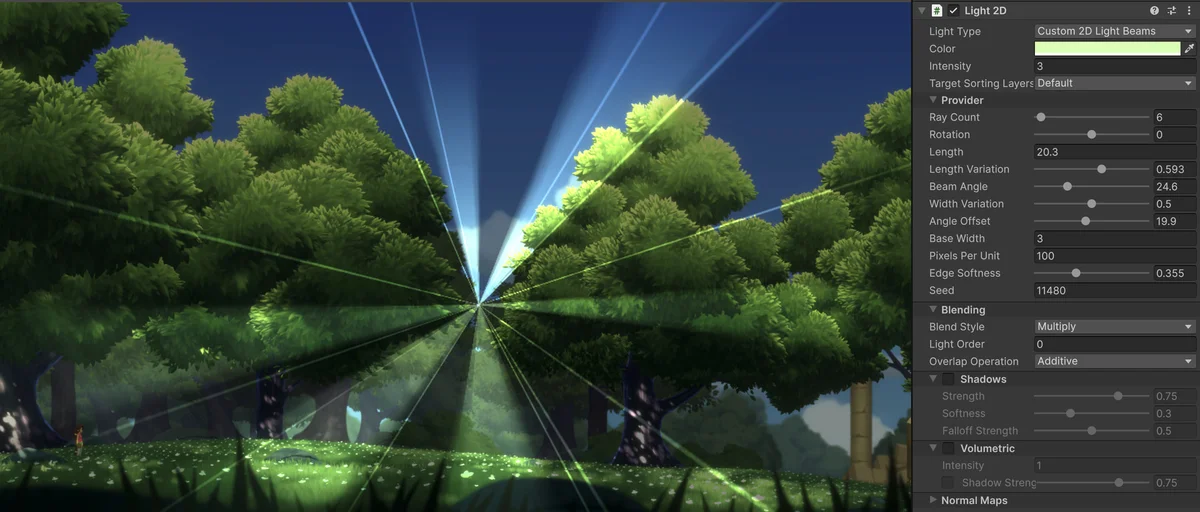
Custom 2D lights and shadows give artists more control over a scene.
Introduced in Unity 6.5
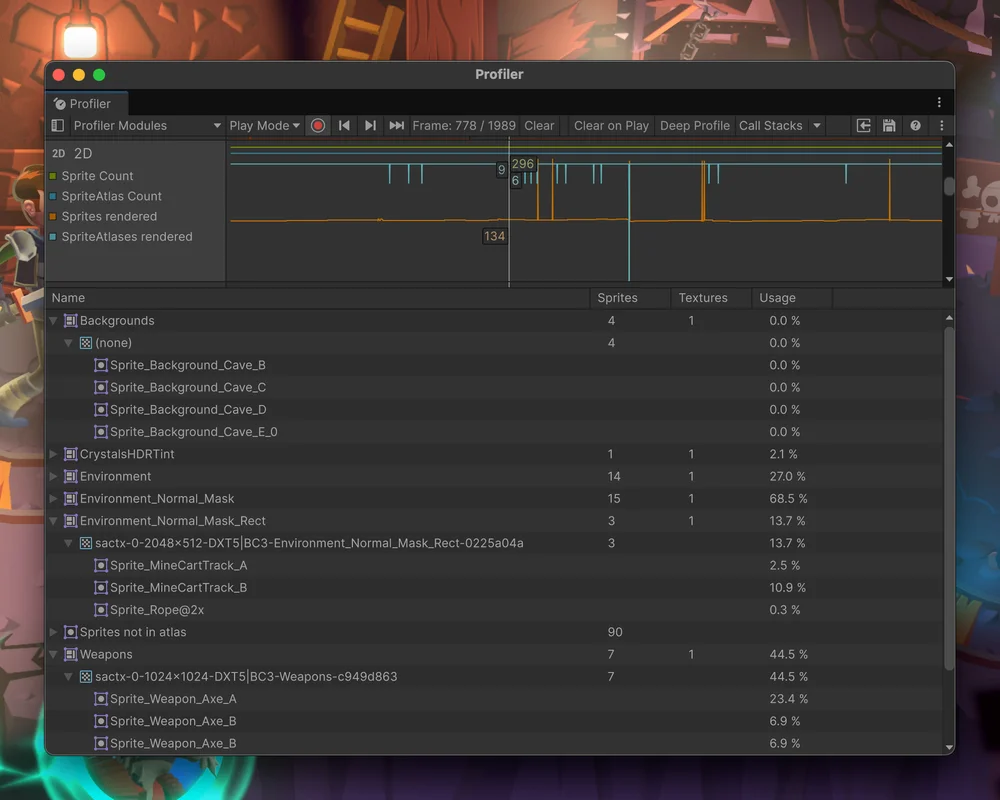
The updated Profiler shows sprite counts and the sprite atlases in use.
Introduced in Unity 6.5
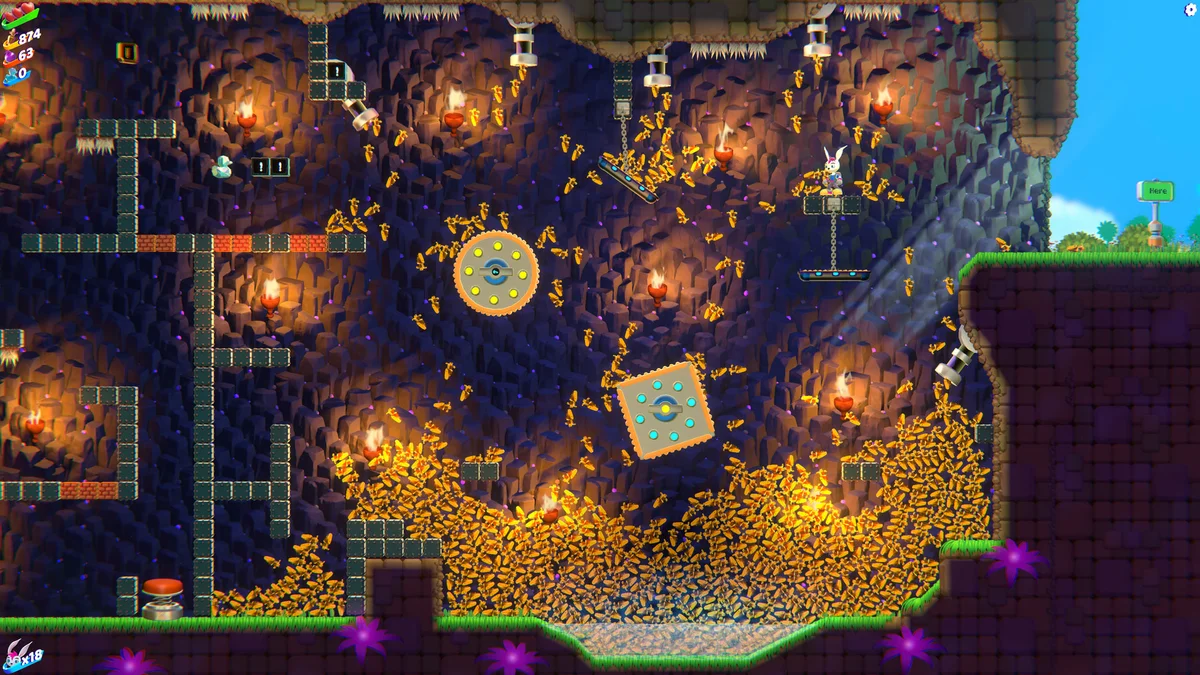
New physics and sprite tools can simulate and display thousands of moving 2D objects.
Introduced in Unity 6.5
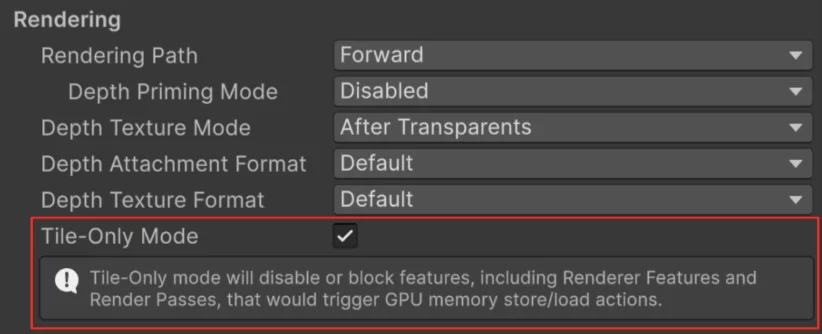
Tile-Only rendering reduces memory traffic for supported mobile effects.
Introduced in Unity 6.5
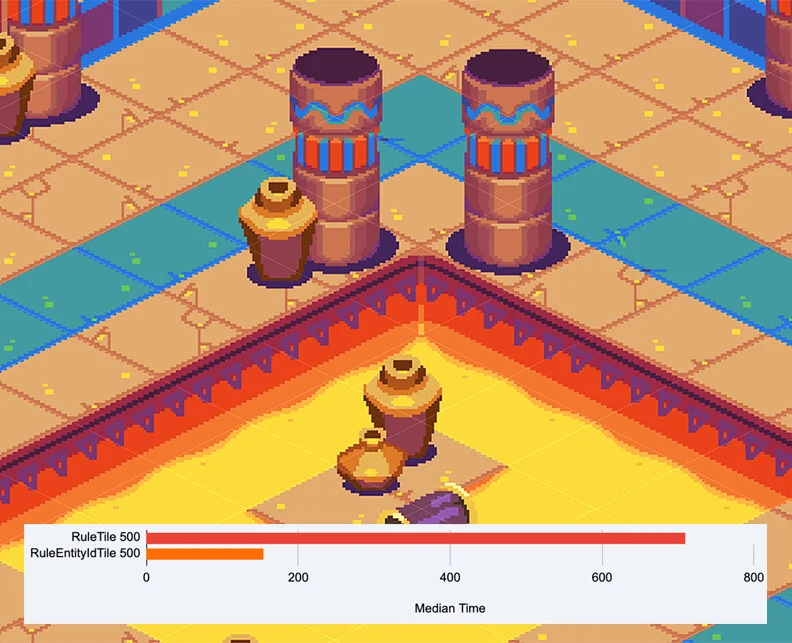
New tile identifiers reduce the work needed to set tiles on a map.

Introduced in Unity 6.5
Sprite blend shapes add new ways to deform and animate 2D characters.
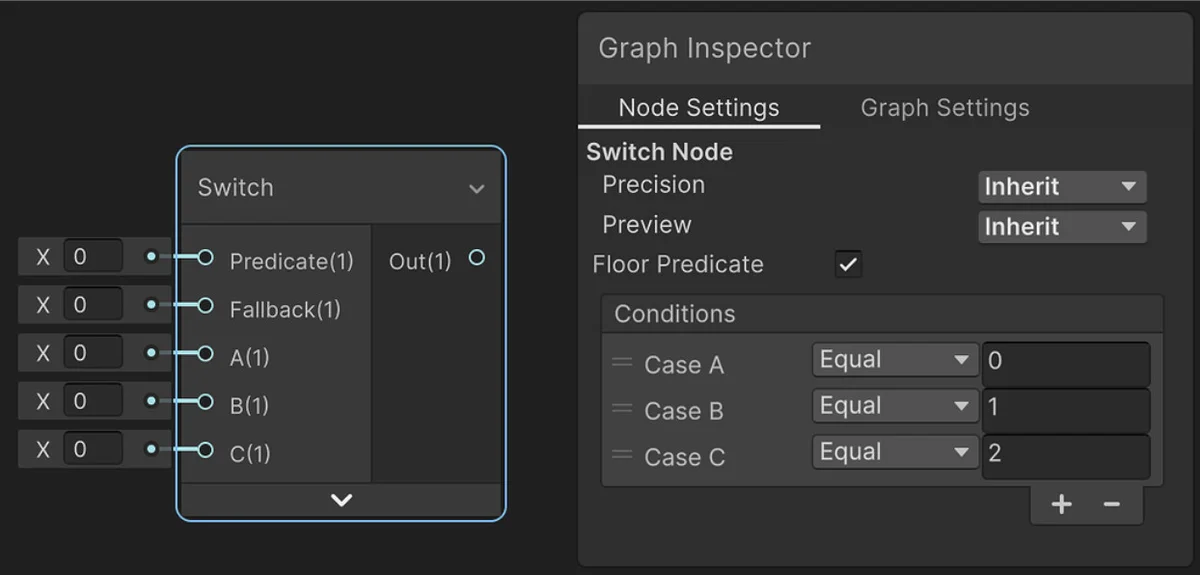
Introduced in Unity 6.5
Shader Graph improvements make reusable material effects easier to organize.
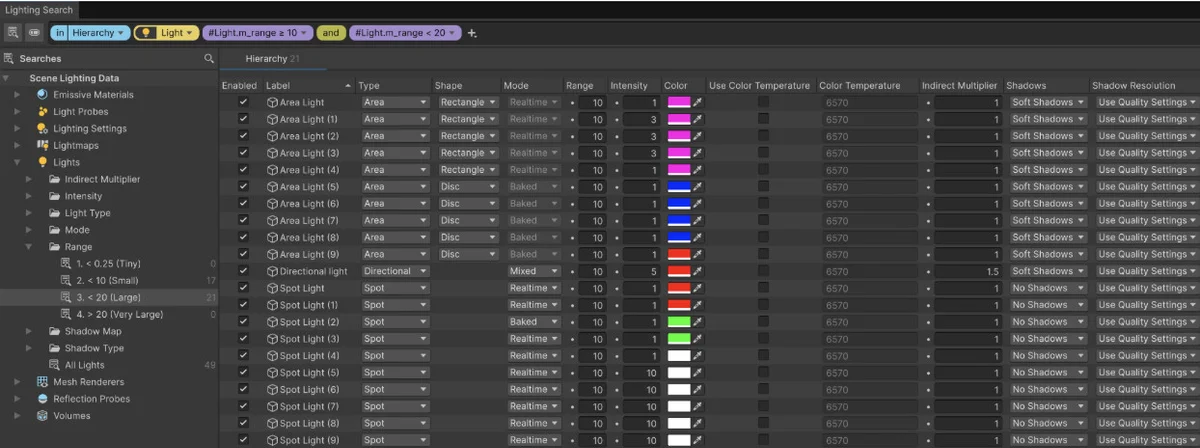
Introduced in Unity 6.5
Lighting Search brings lighting objects and settings into one searchable view.
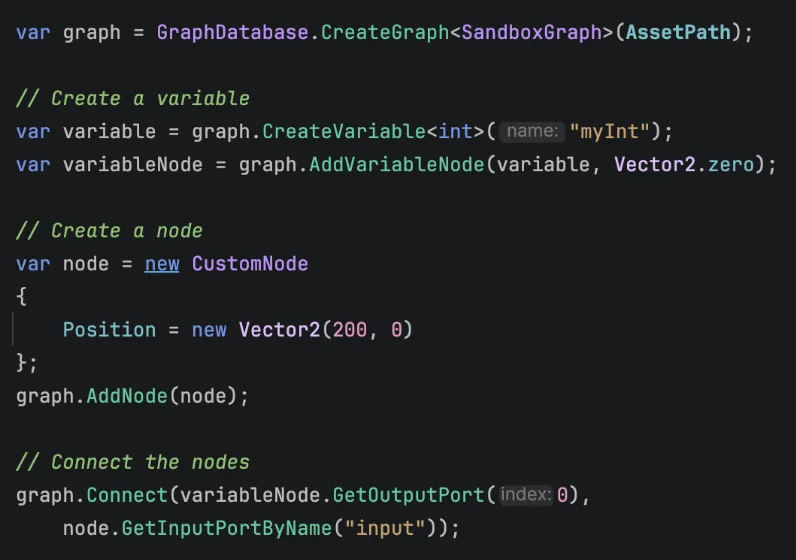
Introduced in Unity 6.5
Graph Toolkit adds more control over the look and behavior of custom editors.
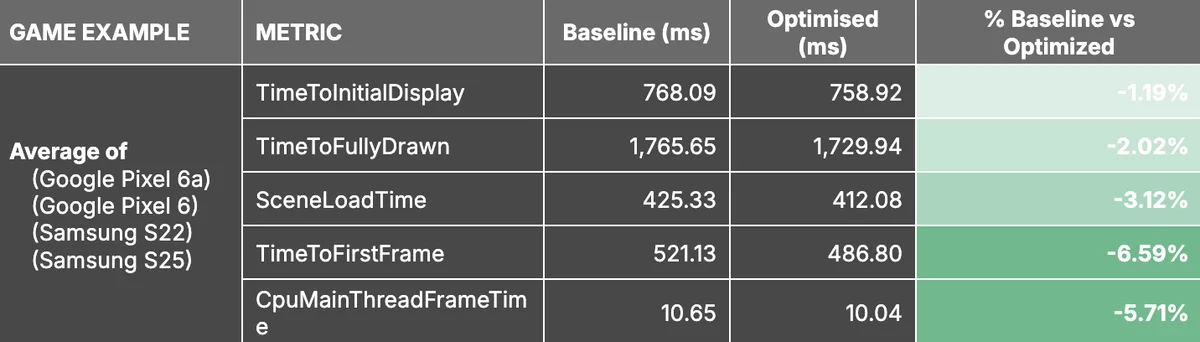
Introduced in Unity 6.5
New build optimizations can reduce startup time and processor work.
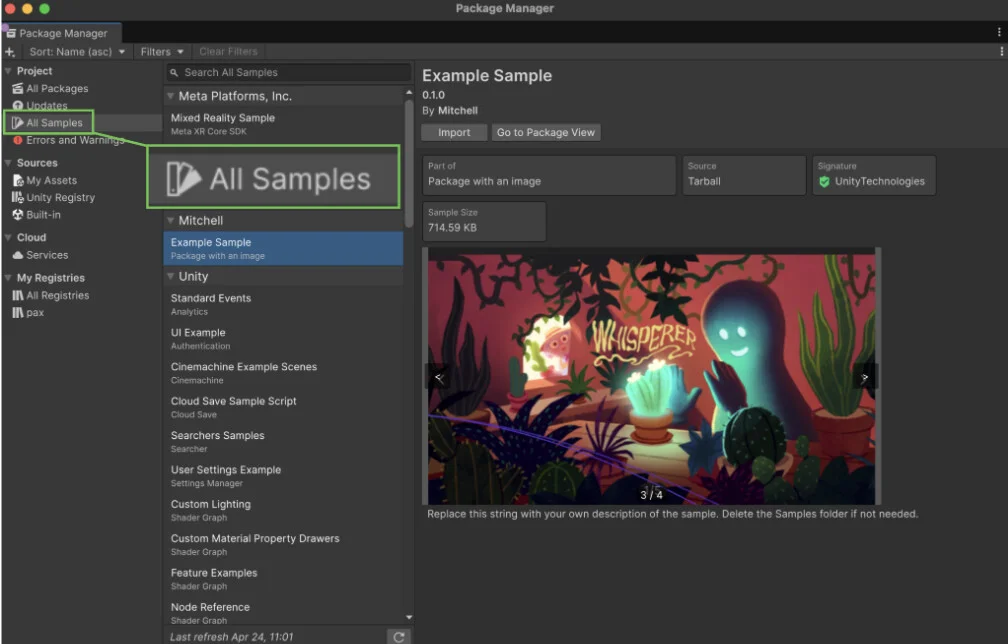
Introduced in Unity 6.5
A dedicated Samples view makes installed package examples easier to find.
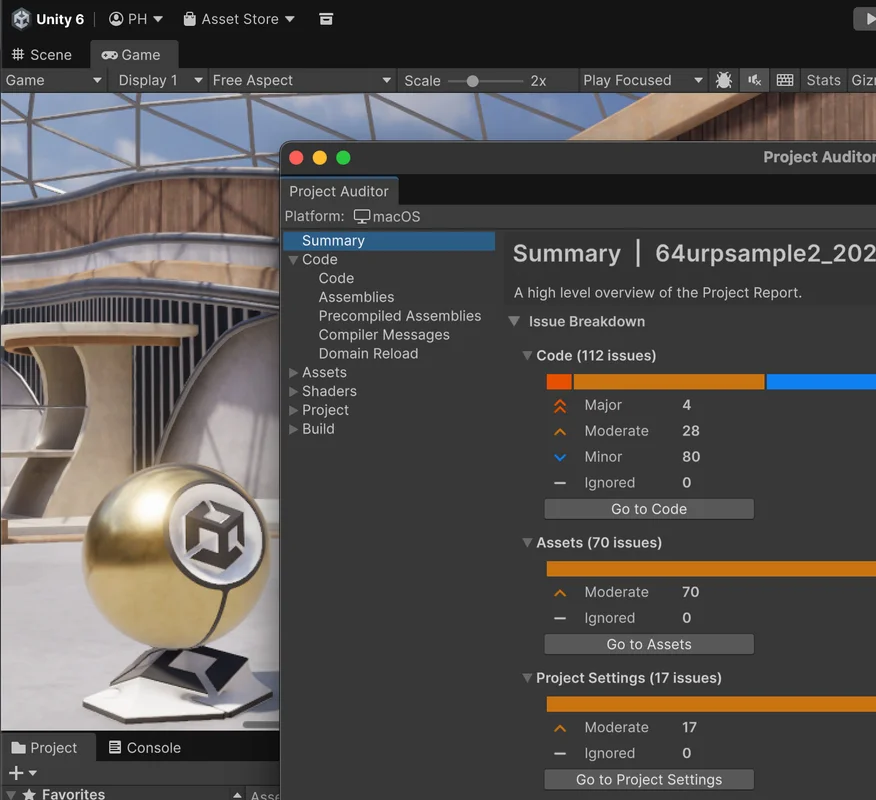
Introduced in Unity 6.4
Project Auditor is now included in the Editor.
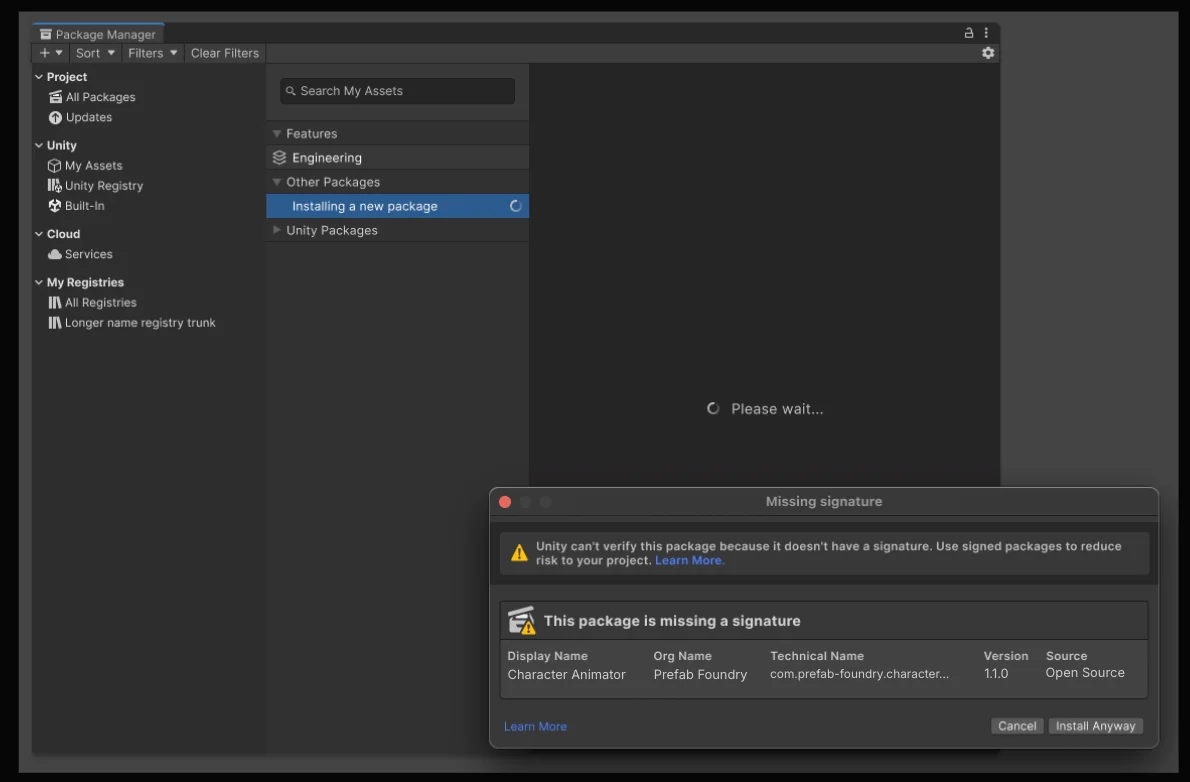
Introduced in Unity 6.4
New prompts flag unsigned packages and packages from outside Unity.
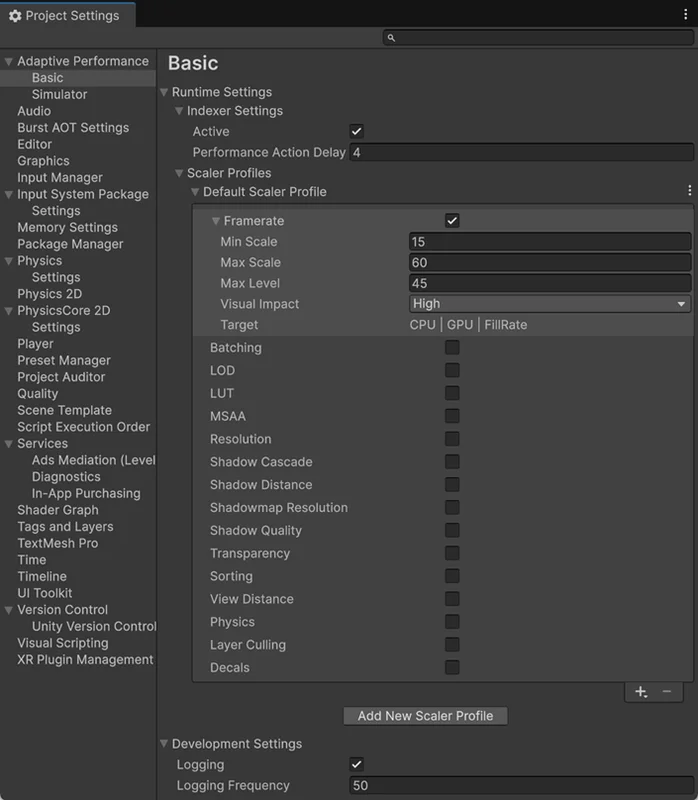
Introduced in Unity 6.4
Adaptive Performance expands its basic provider to PlayStation and Xbox platforms.
Introduced in Unity 6.4
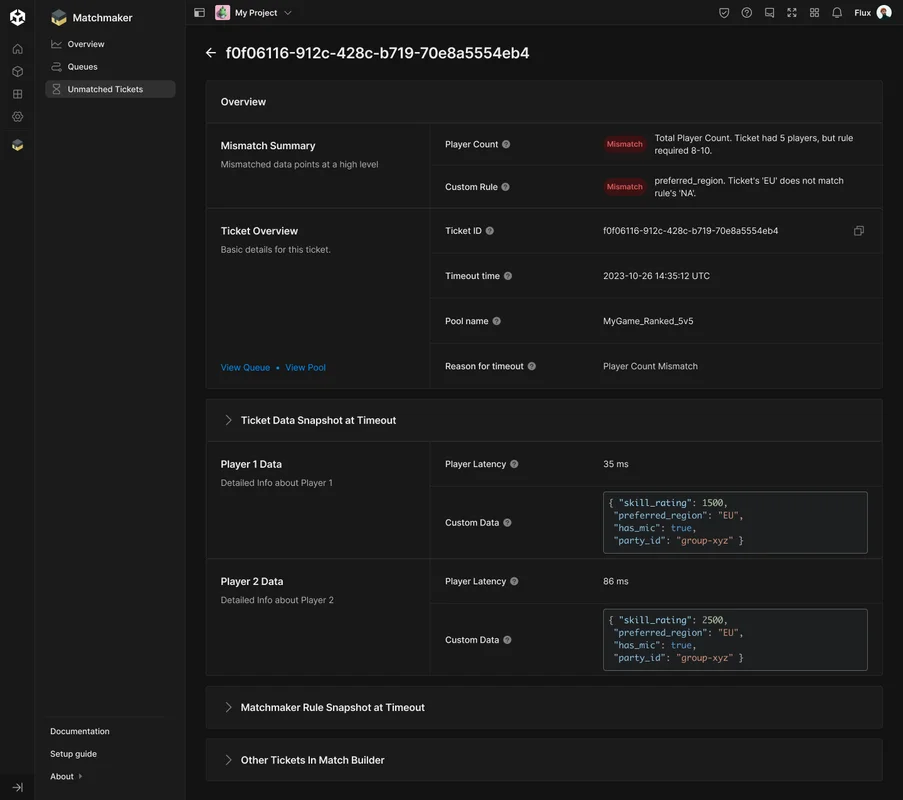
New Matchmaker reports explain why players have not found a match.

Introduced in Unity 6.4
Tools for simulating large numbers of objects now come with the Editor.

Introduced in Unity 6.3
Platform Toolkit provides shared workflows for accounts, saved games, and achievements.
Introduced in Unity 6.3
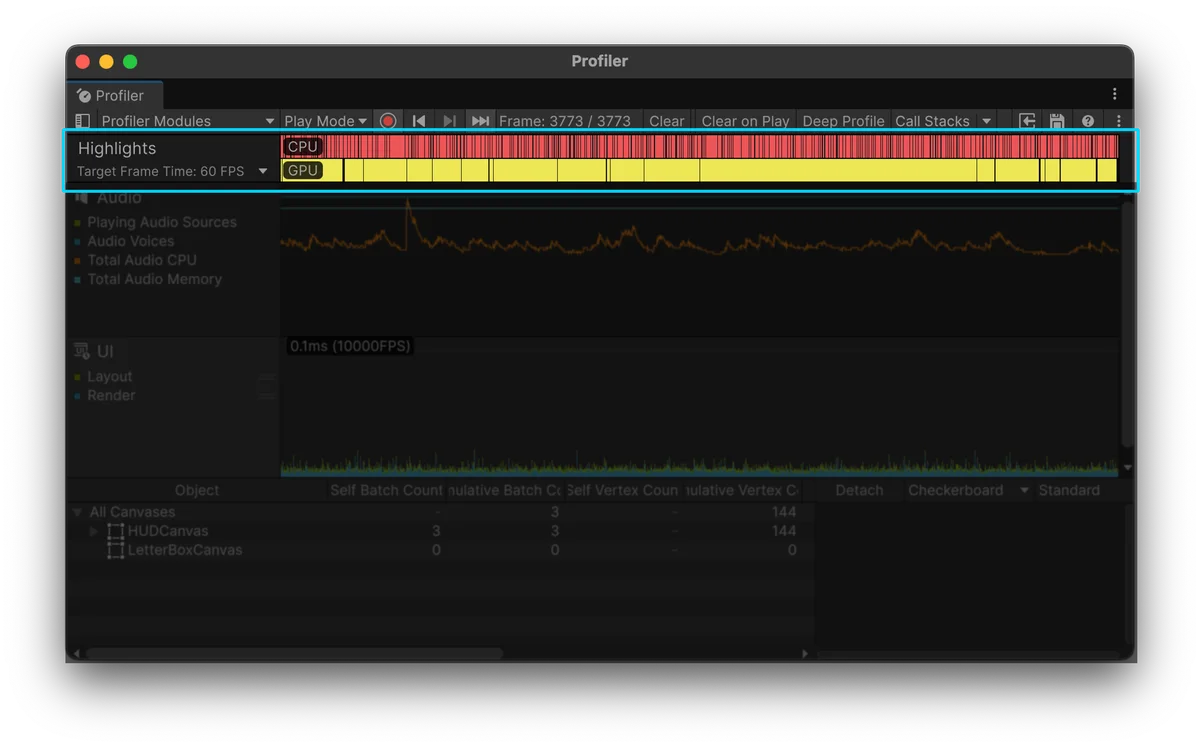
Profiler highlights help teams identify where to investigate performance.
Introduced in Unity 6.3
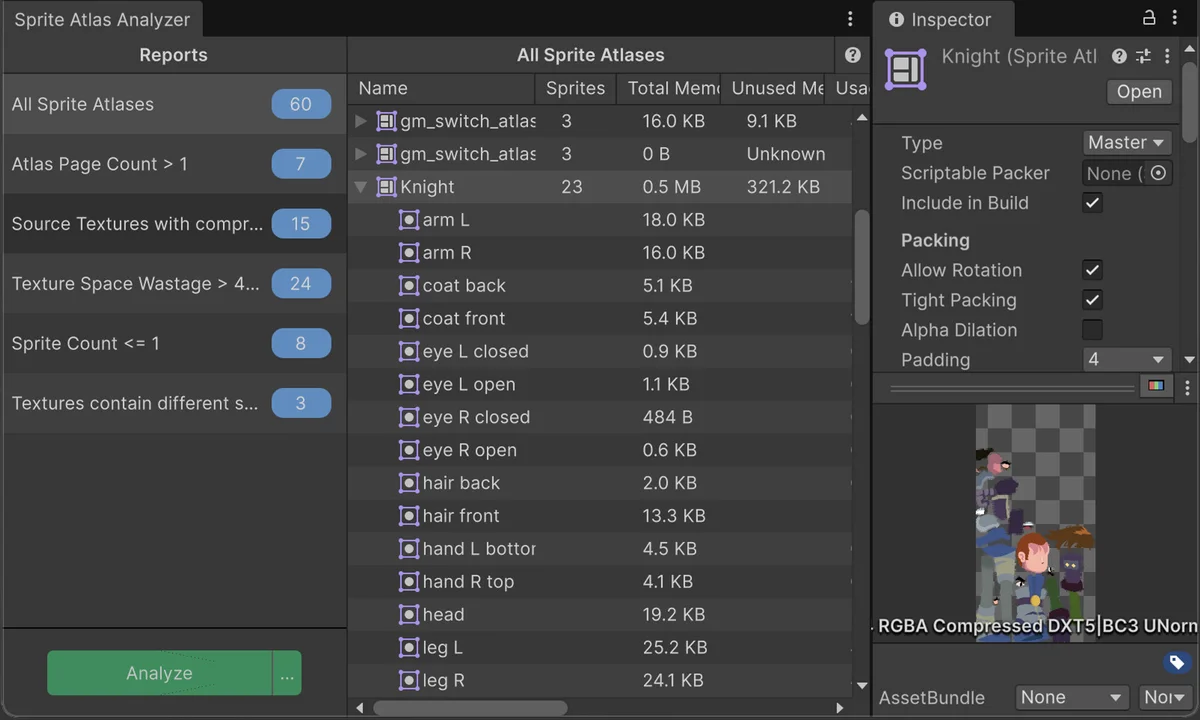
Sprite Atlas Analyzer reports packing and texture inefficiencies.
Introduced in Unity 6.3
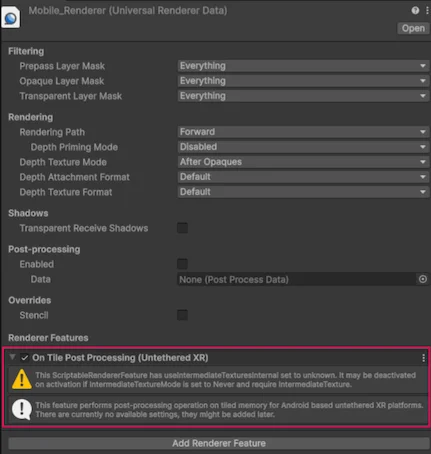
Rendering improvements offer more efficient post-processing for mobile and untethered XR.
Introduced in Unity 6.3
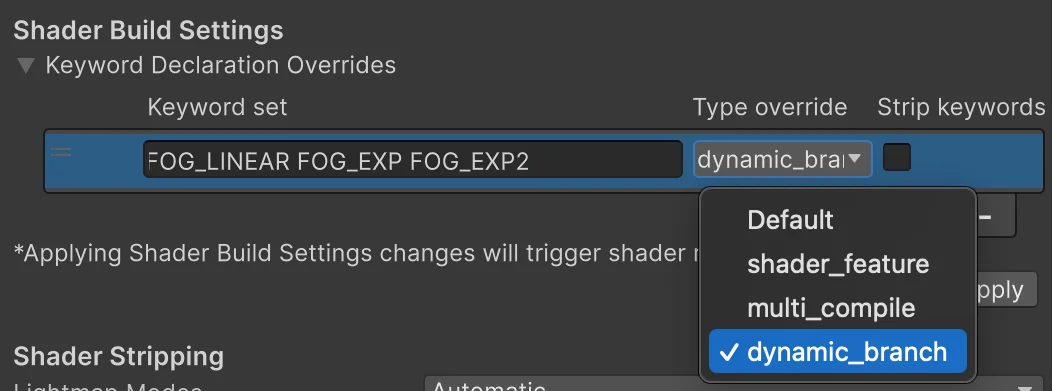
Shader build settings help teams control which shader variants get compiled.
Introduced in Unity 6.3
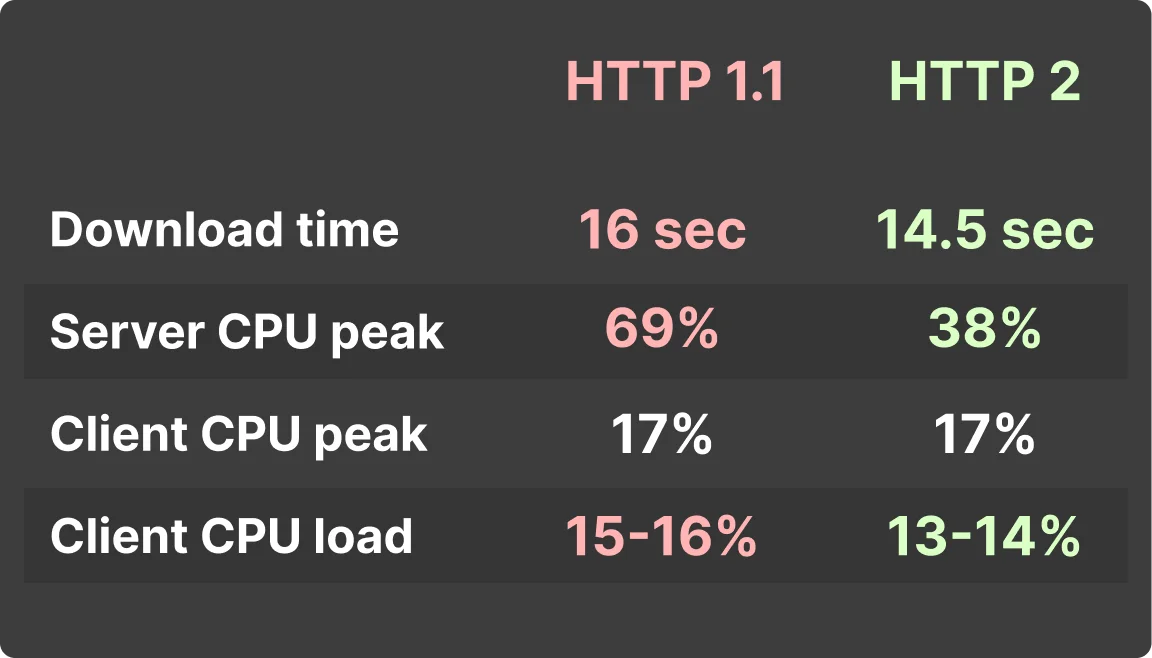
HTTP/2 support lets games use newer web-server connections.
Introduced in Unity 6.3
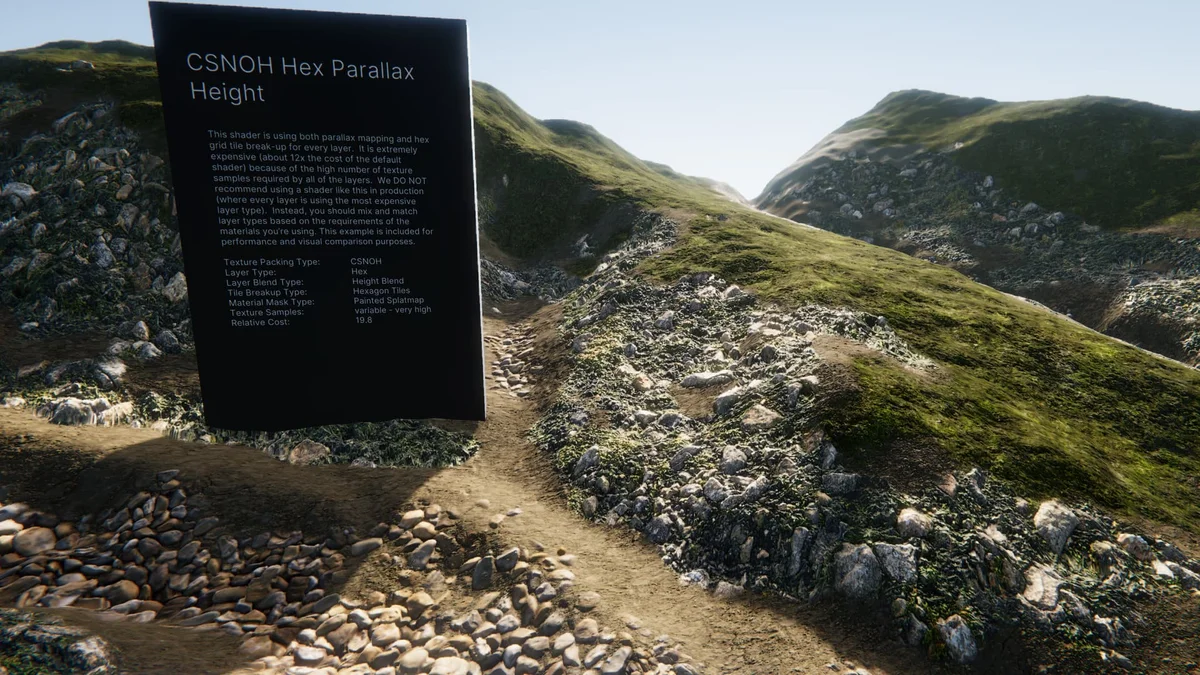
Shader Graph brings visual material editing to terrain.
Introduced in Unity 6.3
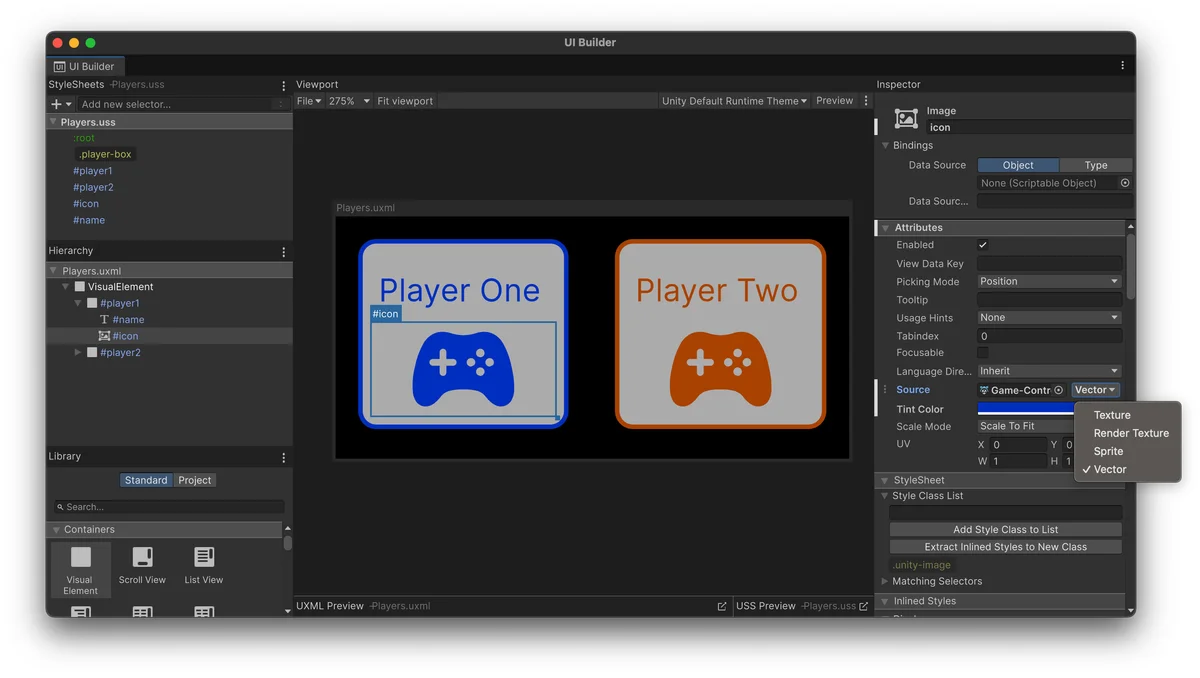
Native SVG support keeps UI Toolkit vector graphics sharp when resized.

Introduced in Unity 6.2
Mesh LOD can generate simpler versions of models during import.
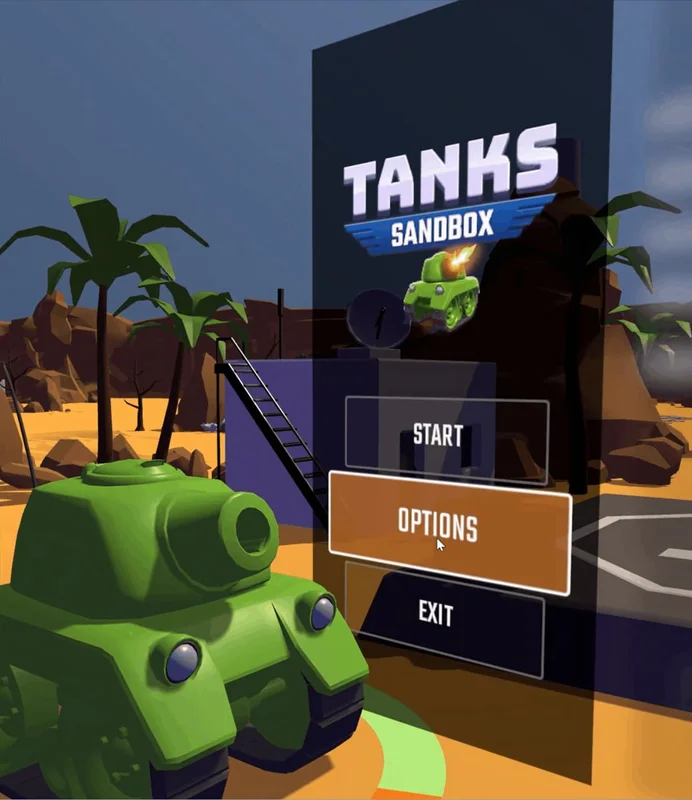
Introduced in Unity 6.2
UI Toolkit can place interfaces directly inside 3D scenes.
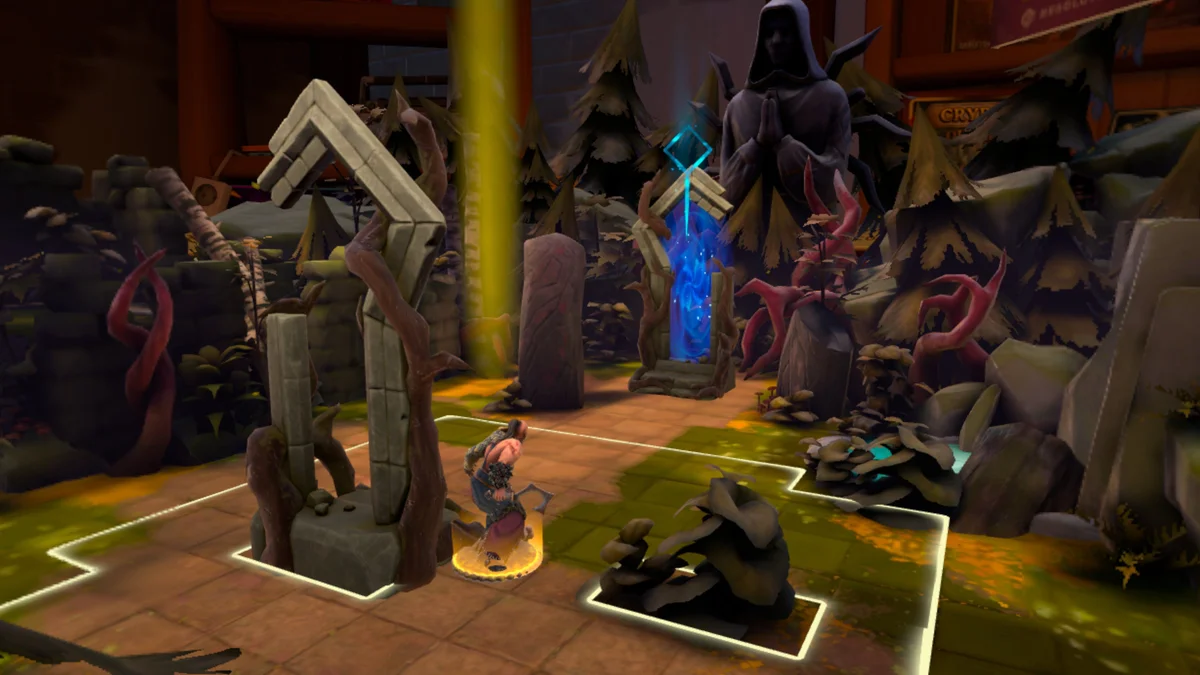
Introduced in Unity 6.2
Android XR offers verified support with improved display handling.
Introduced in Unity 6.2
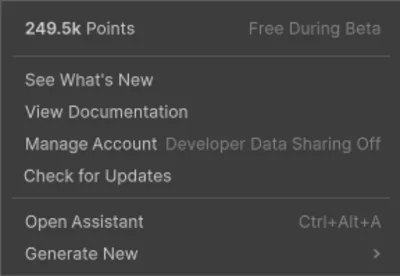
Optional Unity AI tools help with questions and content tasks.
Introduced in Unity 6.2
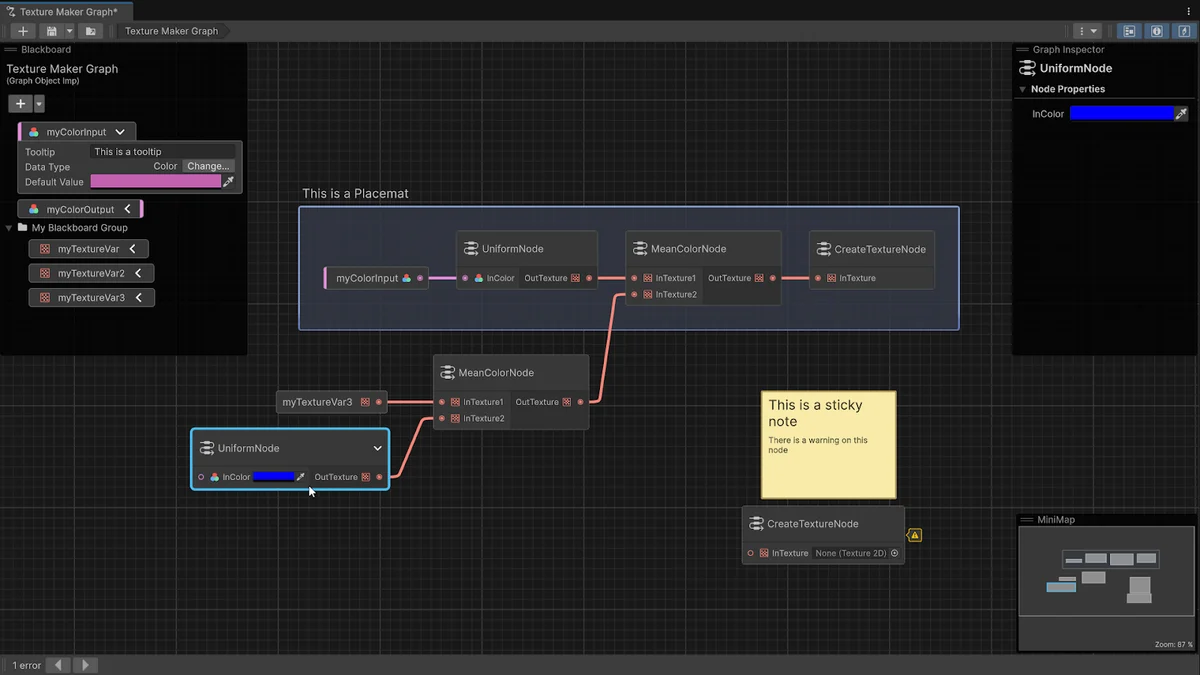
Graph Toolkit provides a starting point for building node-based tools.
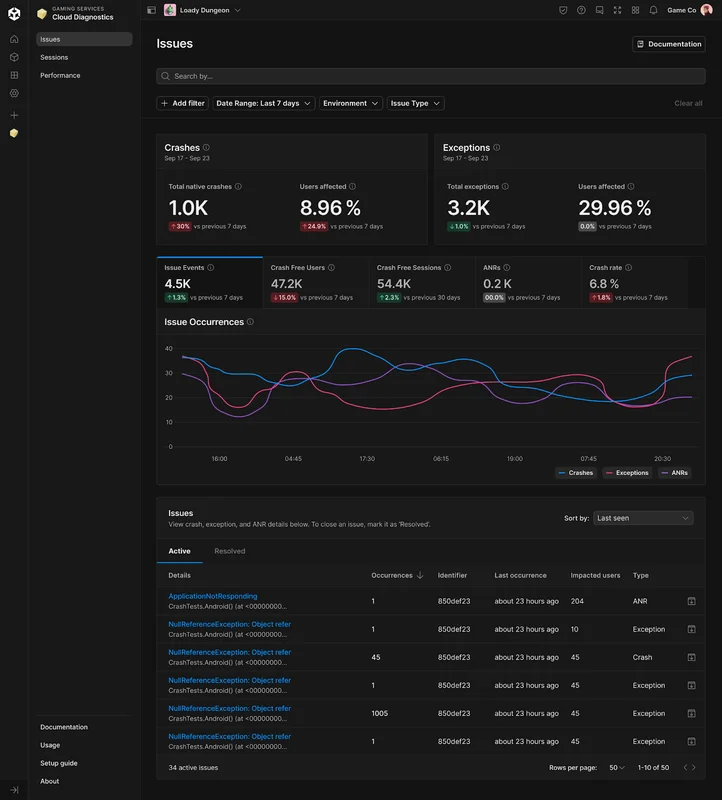
Introduced in Unity 6.2
Dashboard reports show crashes and Android freezes affecting players.
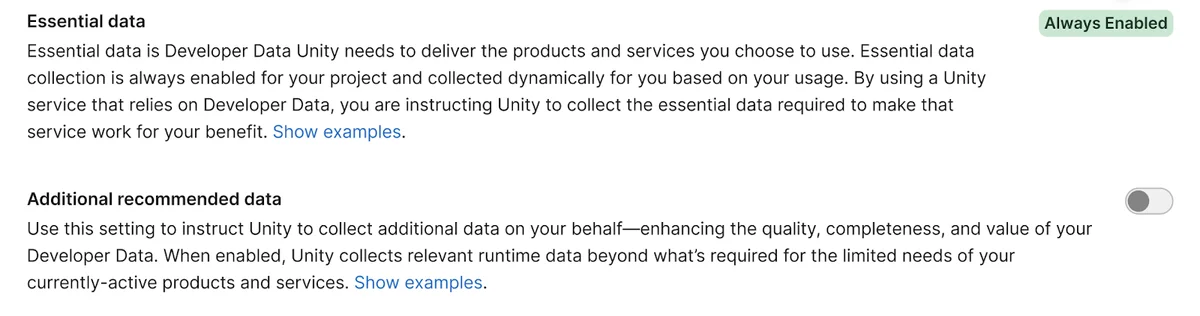
Introduced in Unity 6.2
Dashboard settings give teams control over how their developer data is used.
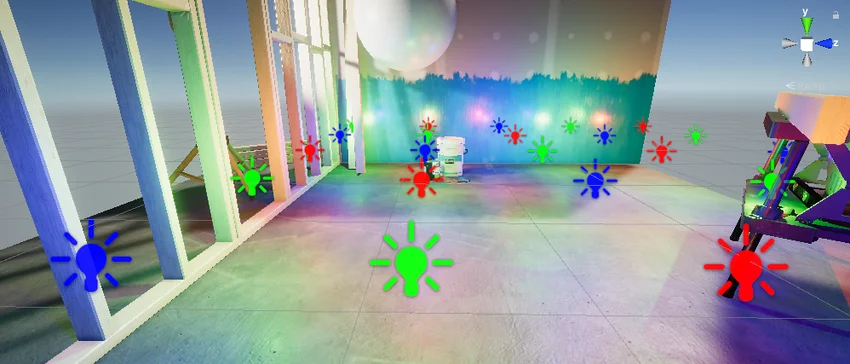
Introduced in Unity 6.1
Deferred+ expands rendering options for scenes with more lights and objects.
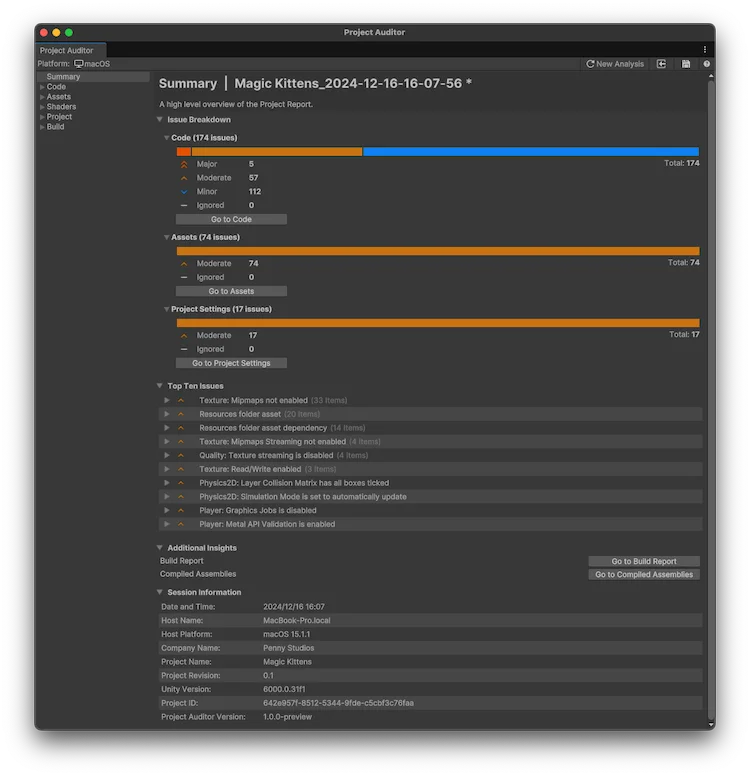
Introduced in Unity 6.1
Project Auditor helps inspect code, assets, settings, and builds.

Introduced in Unity 6.1
Water deformation adds rolling waves to high-end scenes.
Introduced in Unity 6.1
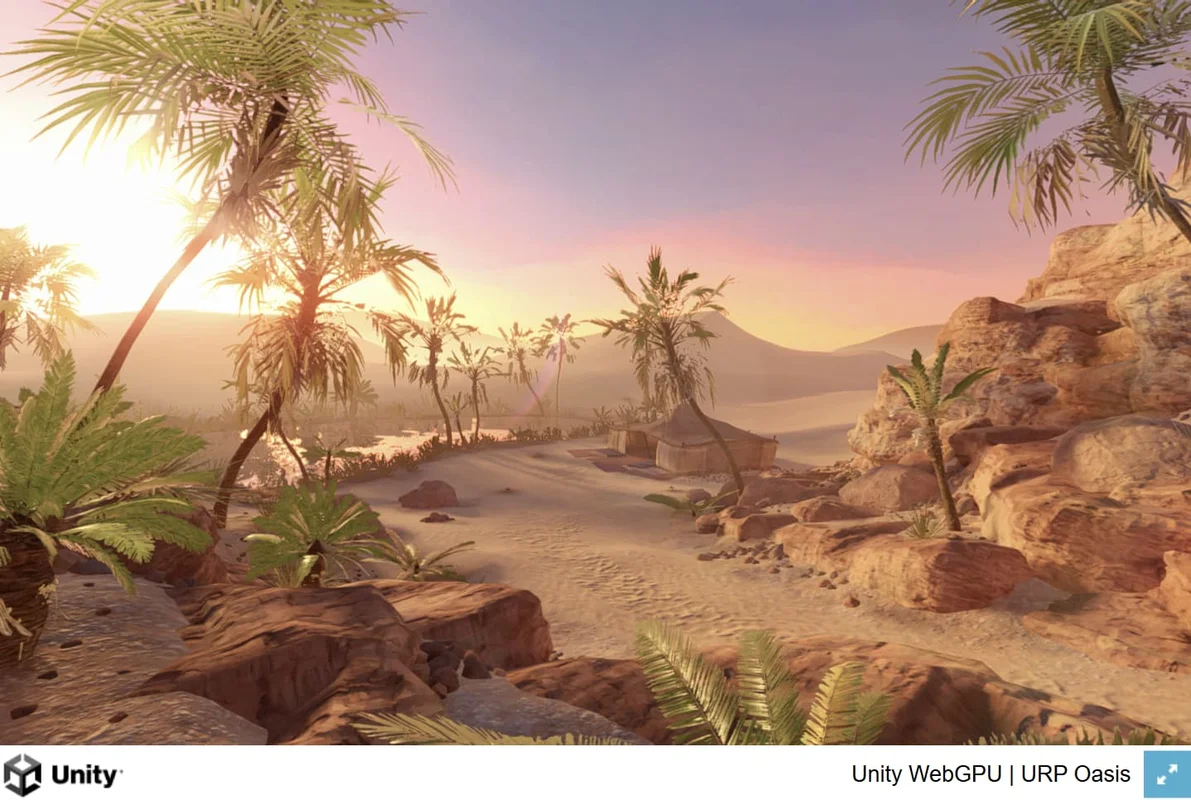
Experimental WebGPU support brings newer graphics capabilities to browsers.
Introduced in Unity 6.1
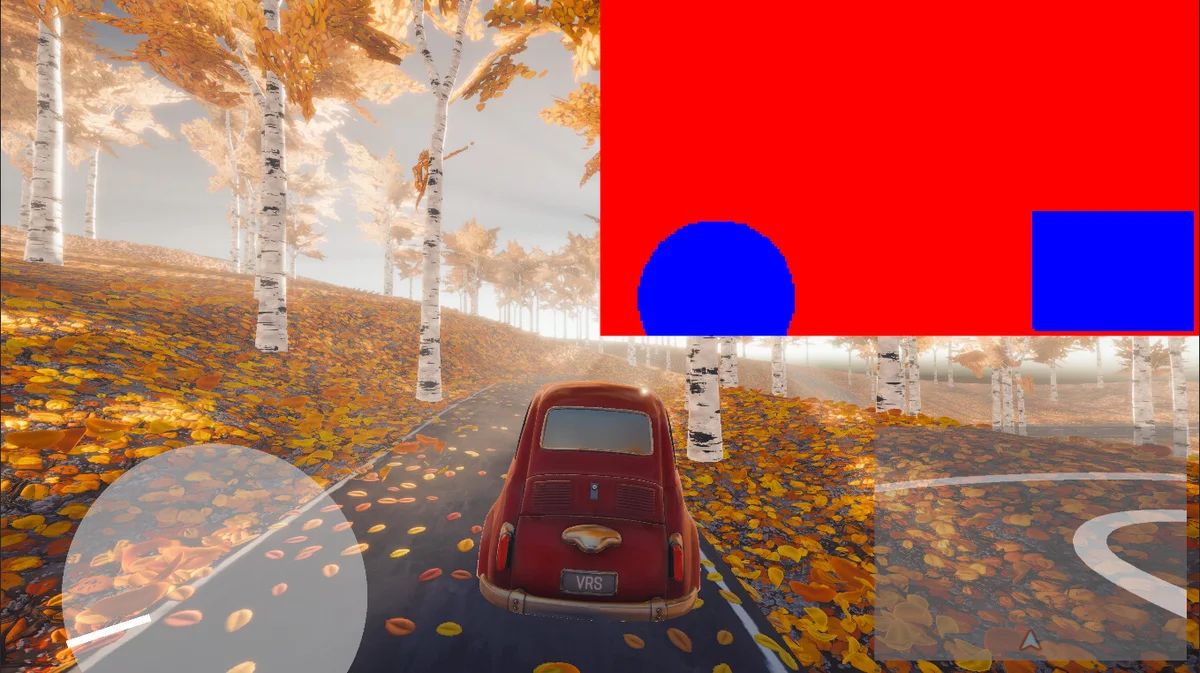
Variable Rate Shading reduces detail in selected areas to save rendering work.
Introduced in Unity 6.1
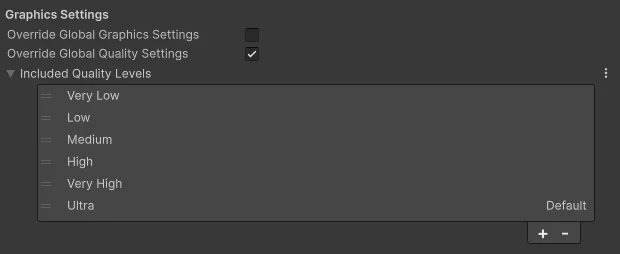
Build profiles can override quality settings for different target devices.

Introduced in Unity 6.0
New rendering workflows can reduce some work on the main processor.

Introduced in Unity 6.0
Updated lighting tools offer more ways to shape the look of a scene.
Introduced in Unity 6.0
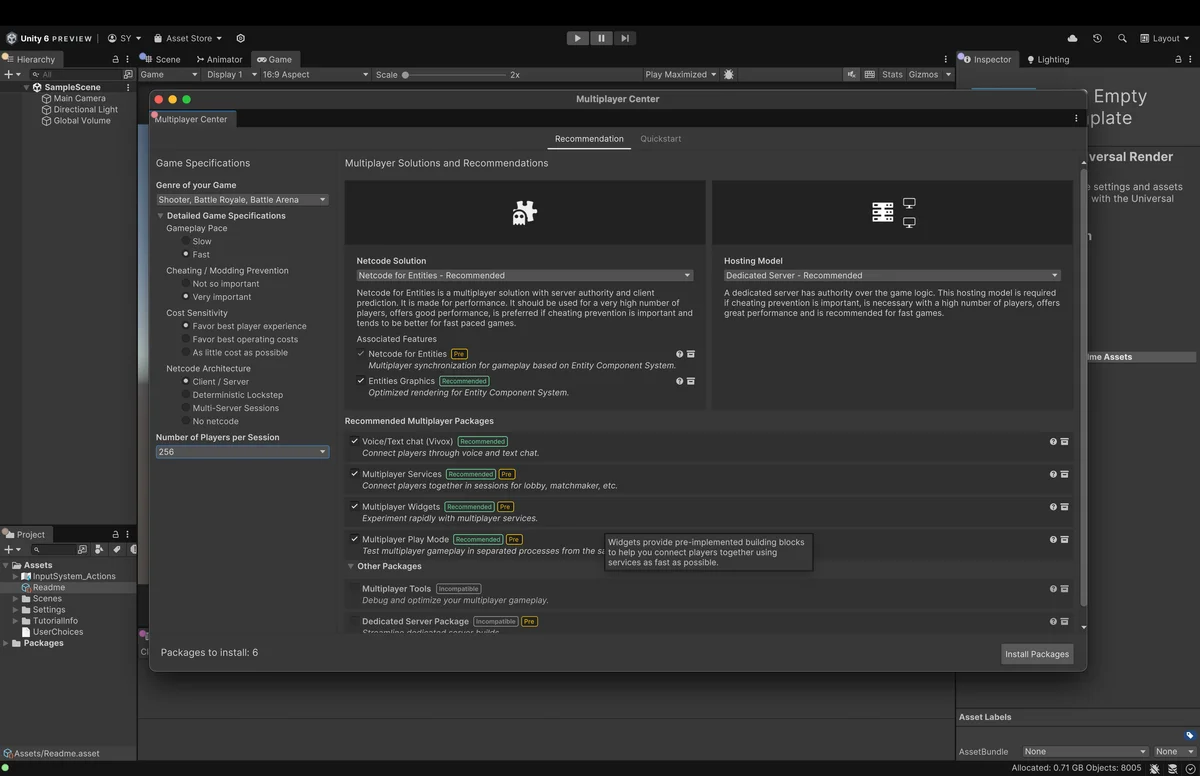
Multiplayer tools bring setup and testing workflows together.
Introduced in Unity 6.0
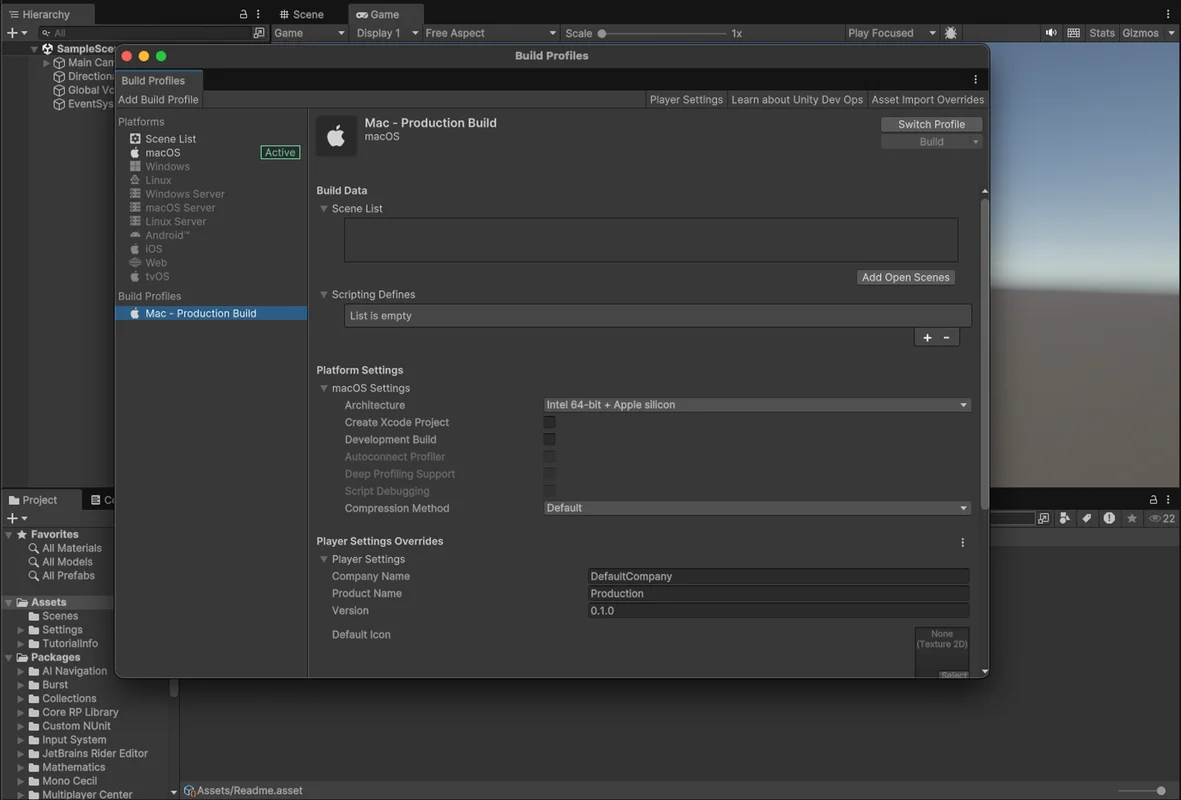
Save and share build settings for each target platform.
Introduced in Unity 6.0
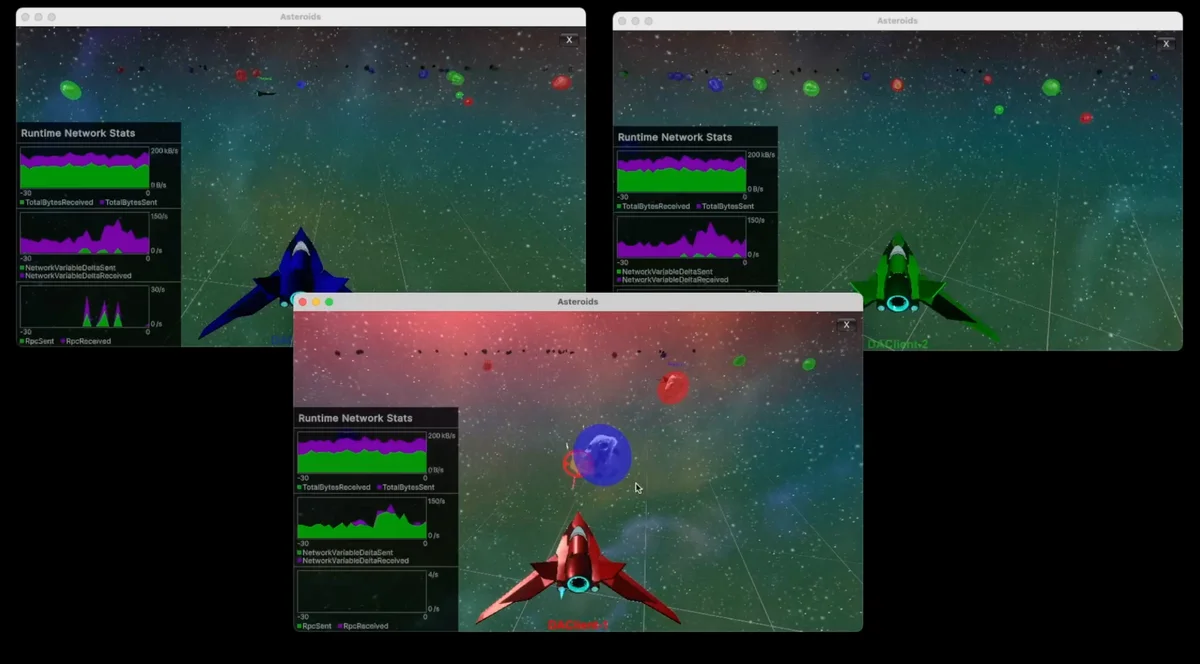
Distributed authority lets connected players share responsibility for the game simulation.
Introduced in Unity 6.0
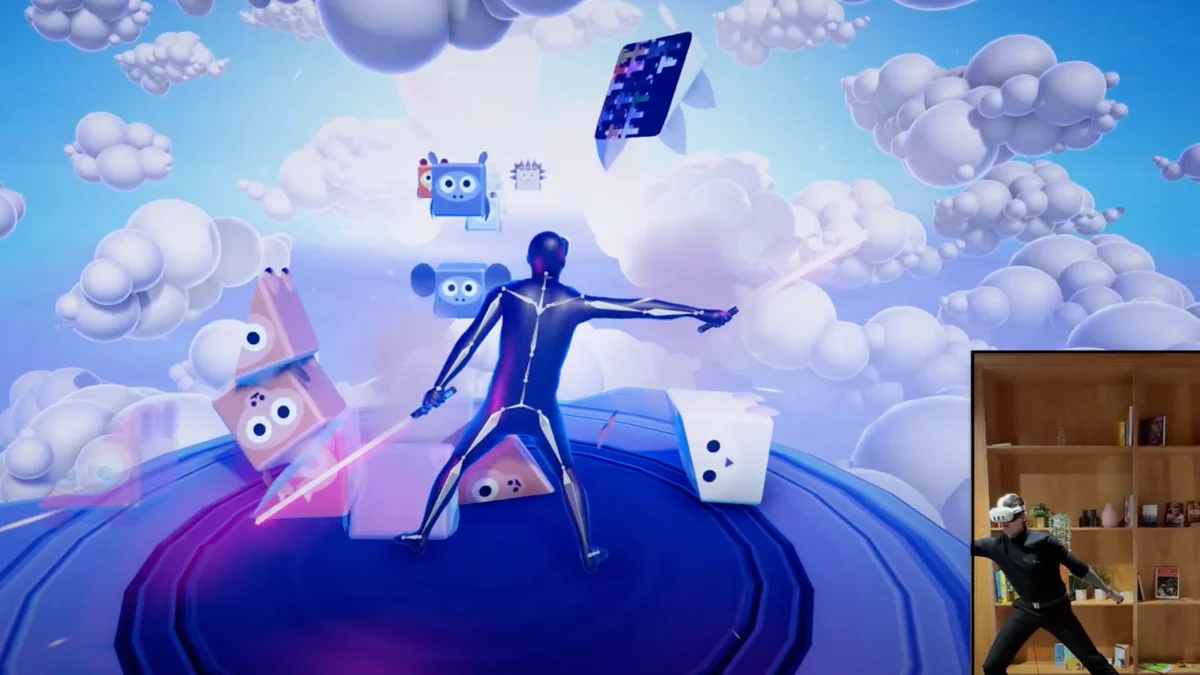
Sentis runs AI models on players’ devices for interactive gameplay.
Introduced in Unity 6.0
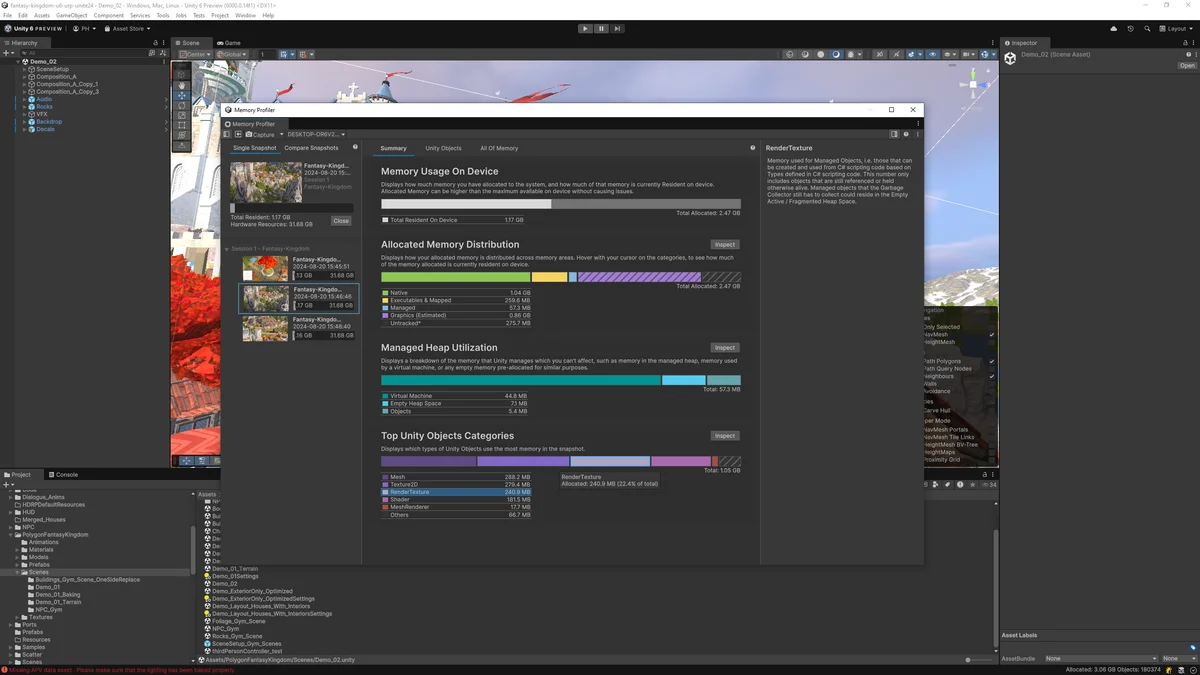
Memory Profiler helps teams find what uses memory in their game.
Introduced in Unity 6.0
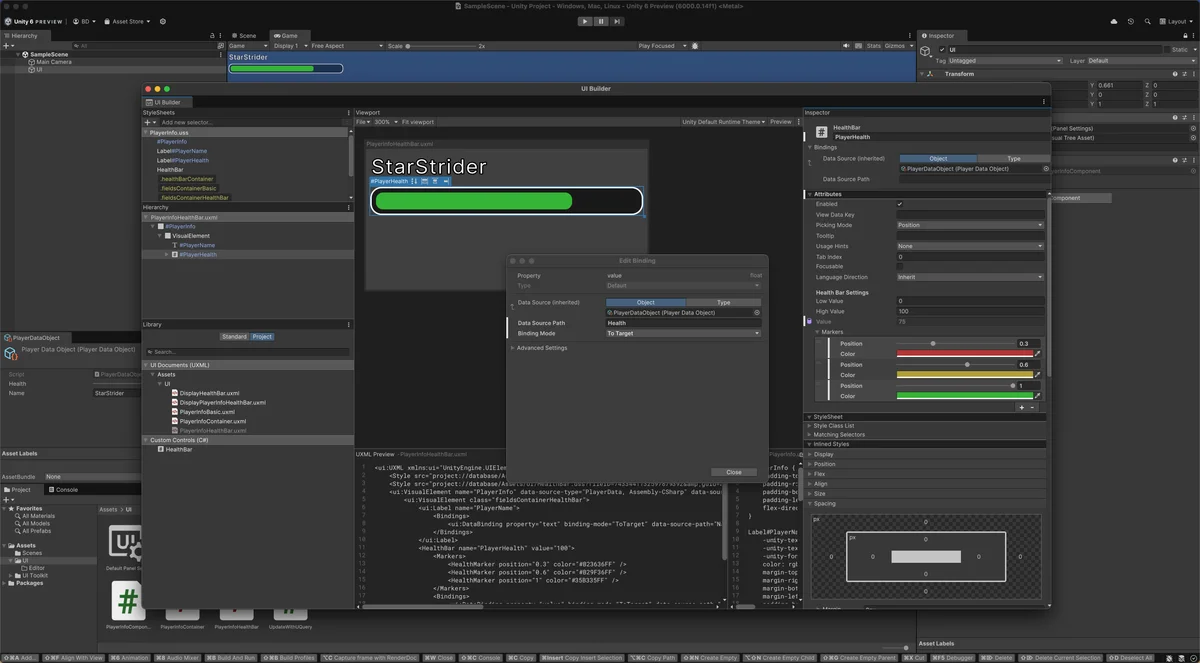
UI Builder improvements make interface layout and styling easier to inspect.