Rolling waves
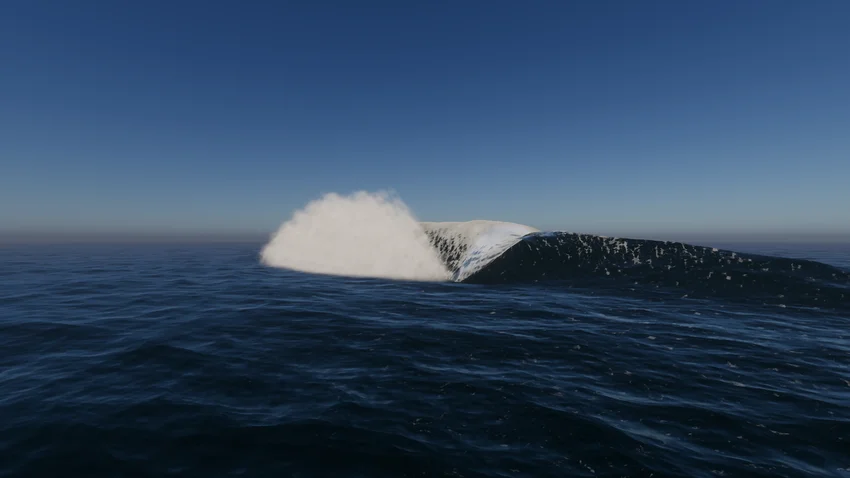
Water deformation adds rolling waves to high-end scenes.
Unity 6.1
Deform a water surface vertically Update releaseSuperseded
What changed
Unity feature: HDRP water deformation
HDRP water decals can deform a water surface vertically and horizontally. A Shader Graph material defines the pattern, including rolling waves.
Use it
- Enable Deformation in the water surface’s Water Decals settings.
- Add GameObject > Water > Water Decal, create a Deformer and Foam Water Decal material, and edit its Shader Graph.
Requirements and limits
- Requires HDRP’s water system. Deformation changes height; it is not a general fluid simulation.