Shadows that follow characters
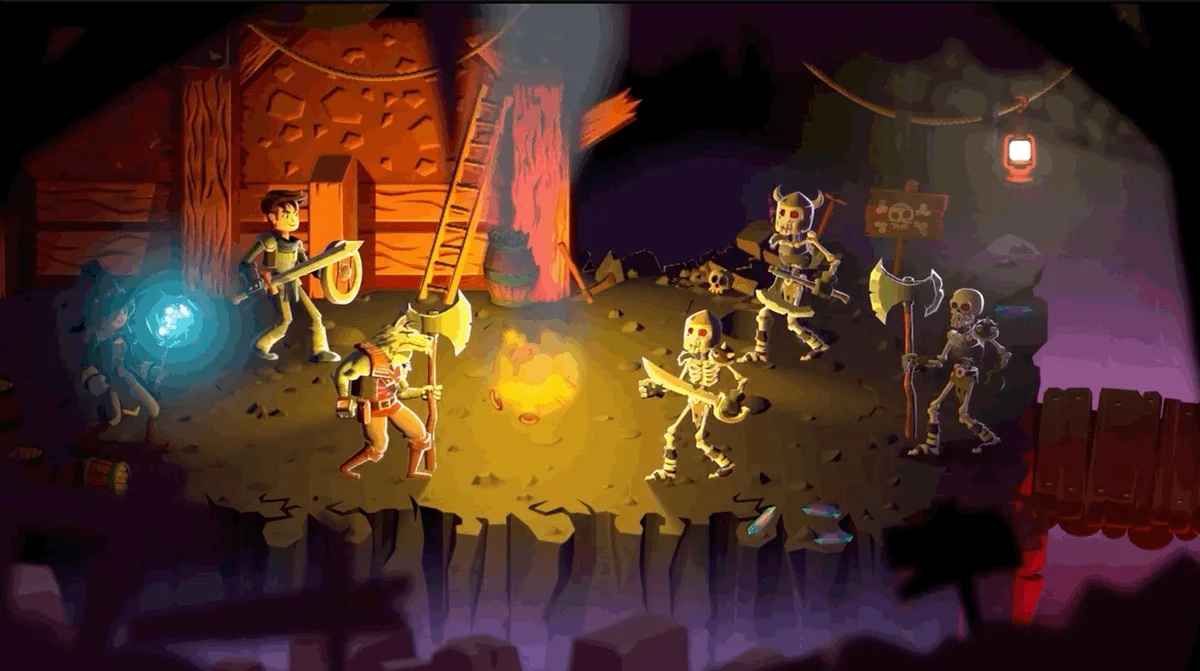
Animated sprites can cast shadows that follow their changing shape.
Unity 6.6
GPU skinning Update releaseSupported now
What changed
Unity feature: 2D shadows with GPU skinning
Skinned 2D characters can now keep their shadows when deformation runs on the GPU. This removes an earlier tradeoff between GPU skinning and 2D shadow casting.
Use it
- Use a URP project with the SRP Batcher enabled and a shader that supports sprite skinning.
- Select GPU skinning in Player settings and use a Shadow Caster 2D on the animated sprite.
Requirements and limits
- Requires URP 2D, the SRP Batcher, and a compatible skinning shader. Android OpenGL ES 3 and WebGL do not support GPU deformation and do not automatically fall back to CPU deformation.