Soft interface shadows
UI Toolkit adds soft shadows around interface elements.
Unity 6.6
Apply common effects with built-in filters Update releaseSupported now
What changed
Unity feature: UI Toolkit drop shadows
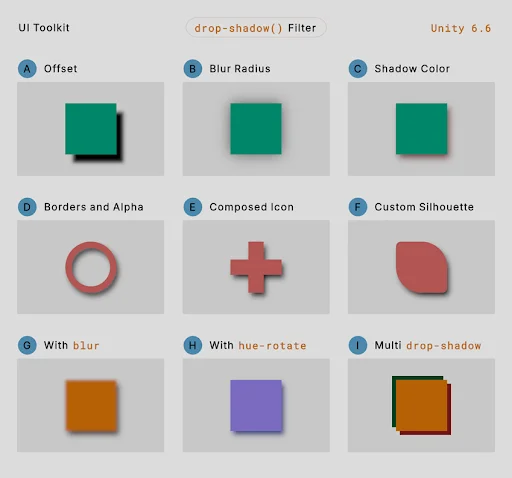
UI Toolkit’s drop-shadow filter creates a shadow from an element’s rendered content. The same filter system can combine blur, tint, and other effects.
Use it
- In UI Builder, select the element and add a filter under Inline Styles > Filter.
- Choose drop-shadow and set its offset, blur radius, and color, or define the equivalent filter in USS.
Requirements and limits
- Filters run in order on the rendered element subtree. Multiple style classes do not automatically merge separate filter declarations.