Keep controls clear of cutouts
Safe-area layouts keep interfaces away from screen notches and system gestures.
Unity 6.6
Safe Area Update releaseSupported now
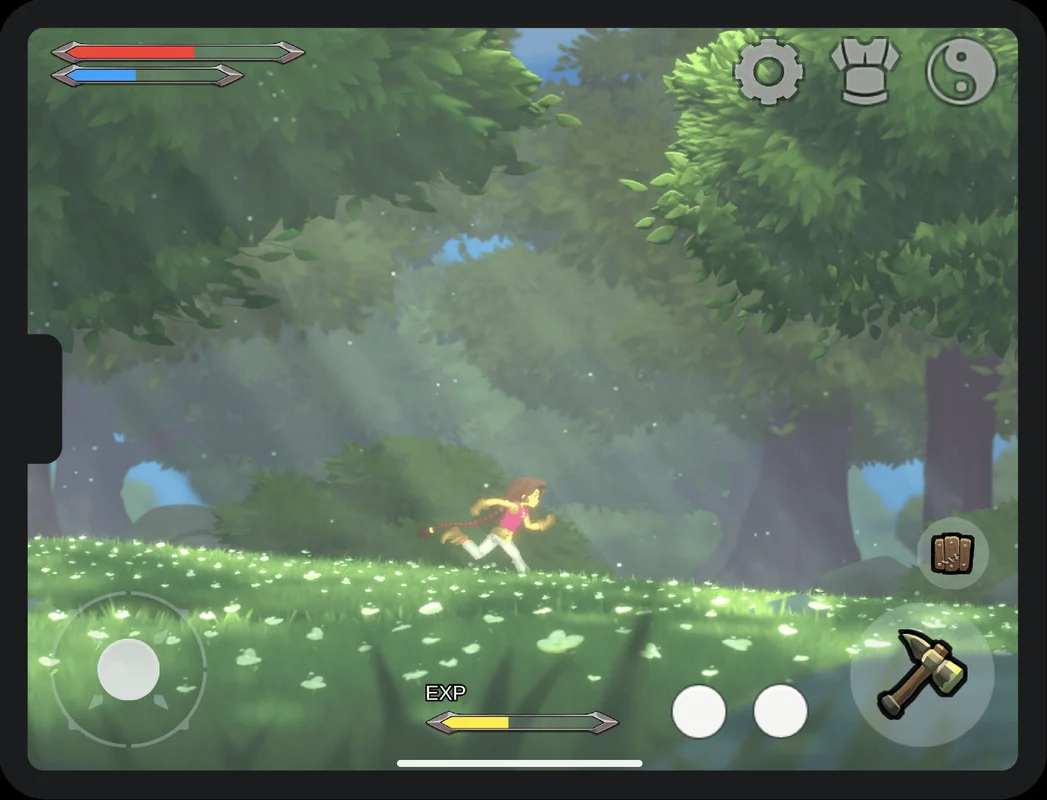
What changed
Unity feature: uGUI Safe Area
The Safe Area component adjusts a uGUI container when a device reports cutouts, rounded edges, or gesture regions. Child controls follow the container as the screen rotates.
Use it
- Add Safe Area to a dedicated RectTransform below the Canvas and place essential controls inside it.
- Choose the reference orientation and edges to inset. Leave full-screen background artwork outside this container.
Requirements and limits
- Safe Area drives anchors and offsets. Do not attach another layout controller that drives the same RectTransform.