Sharp icons at any size
Native SVG support keeps UI Toolkit vector graphics sharp when resized.
Unity 6.3
Work with vector graphics LTS · Long-term supportSupported now
What changed
Unity feature: UI Toolkit SVG support
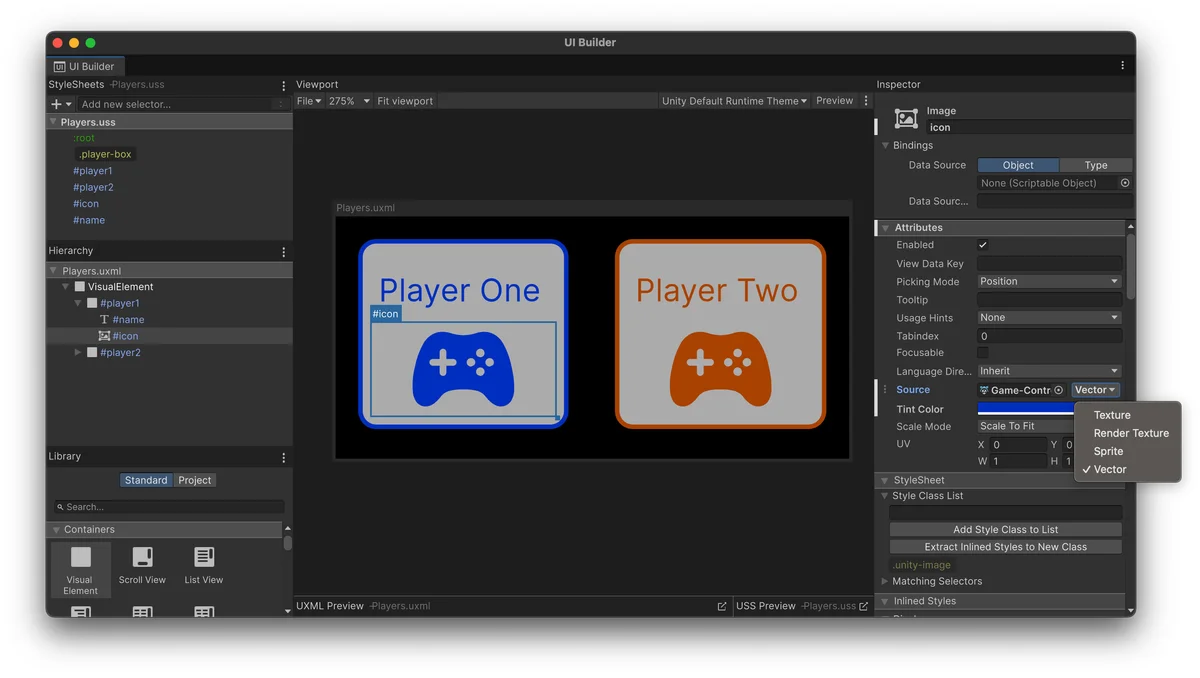
UI Toolkit can import SVG content directly as vector graphics. Icons and illustrations can scale without relying on a separate bitmap for each size.
Use it
- Import an SVG and set Generated Asset Type to UI Toolkit Vector Image in the Inspector.
- Assign the vector image to a UI Toolkit element in UI Builder or through styling.
Requirements and limits
- The SVG importer supports a subset of SVG 1.1. Text elements, per-pixel masks, filter effects, interactivity, and animations are unsupported.