More lights and objects
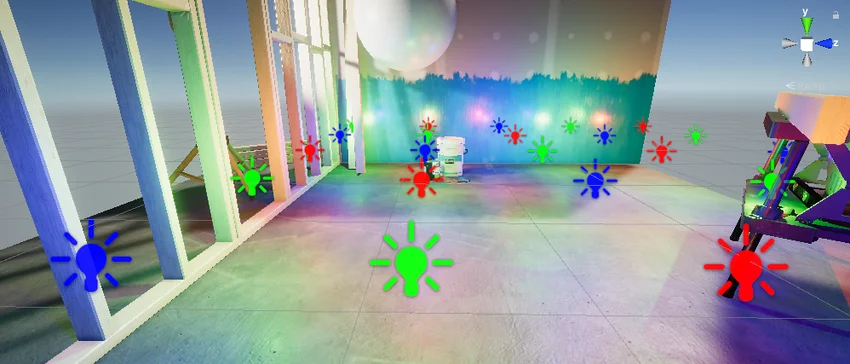
Deferred+ expands rendering options for scenes with more lights and objects.
Unity 6.1
Deferred+ rendering paths in URP Update releaseSuperseded
What changed
Unity feature: URP Deferred+
Deferred+ combines deferred rendering with clustered light handling. It expands the lighting options for URP scenes with many lights.
Use it
- Open the Universal Renderer used by the active URP asset.
- Select Deferred+ as the rendering path, then inspect the scene using its intended lights and materials.
Requirements and limits
- Requires URP. Rendering paths have different hardware and feature support; use the path comparison in the manual for target-platform constraints.