Clearer performance reports
Profiler highlights help teams identify where to investigate performance.
Unity 6.3
Highlights Profiler module reference LTS · Long-term supportSupported now
What changed
Unity feature: Highlights Profiler module
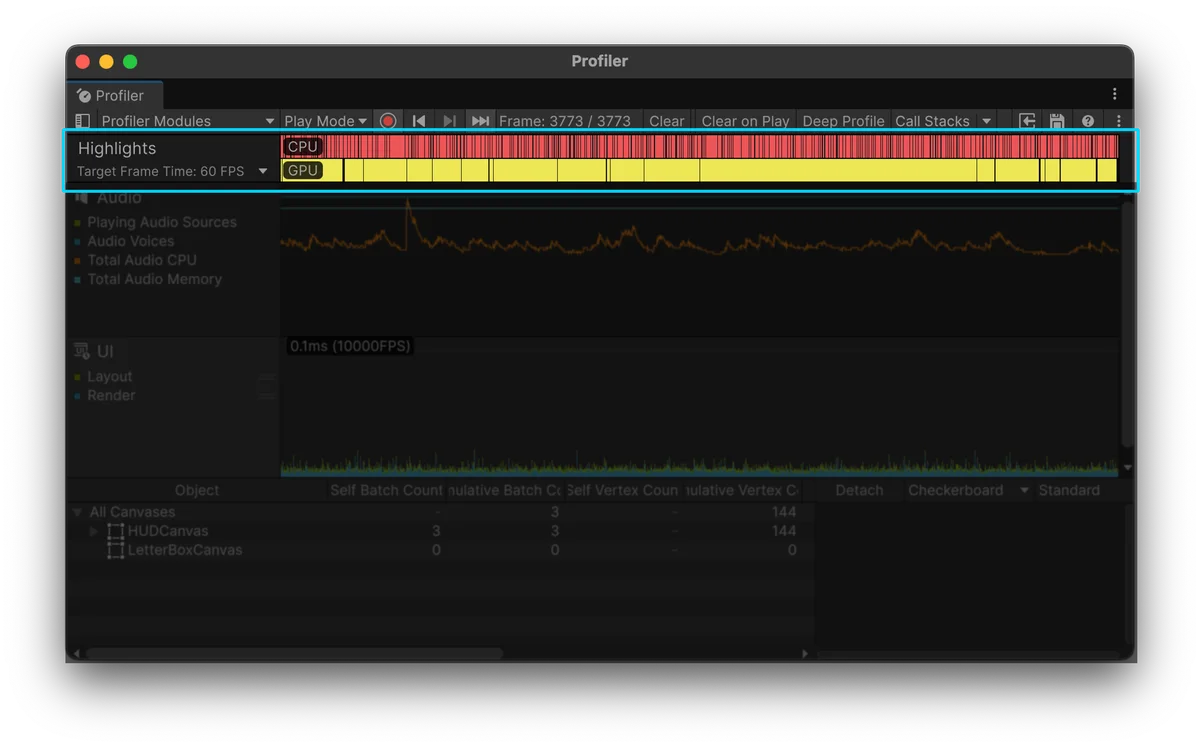
Highlights compares captured frames with a target frame time. CPU and GPU markers help narrow whether the next investigation belongs in script execution, rendering, or another workload.
Use it
- Enable Highlights in the Profiler module selector and choose the target frame rate.
- Select one frame or a range to inspect the statistics, then use the detailed Profiler modules to investigate the expensive work.
Requirements and limits
- The module is not enabled by default. A target frame time is an analysis threshold, not a setting that changes game performance.