Verify imported packages
Signed Unity package files help identify who published imported content.
Unity 6.6
Package signatures in asset packages Update releaseSupported now
What changed
Unity feature: Asset package signatures
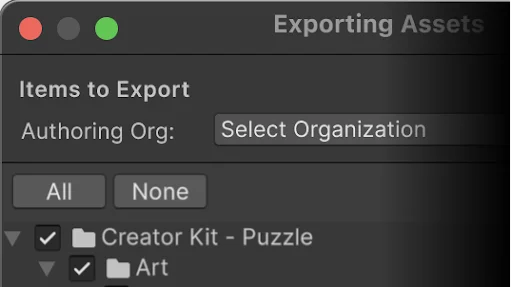
Unity checks signatures when importing exported .unitypackage files. The signature identifies the publishing organization and helps detect changes made after export.
Use it
- When exporting an asset package, sign in to the Editor and select the organization associated with the package.
- When importing, inspect the displayed publisher and signature status before choosing which assets to bring in.
Requirements and limits
- Signing requires an internet connection. Older Editors can import these packages but do not verify their signatures.