What’s new in Unity 6.6?

Control 2D lighting
Choose which lights affect each character or object in a 2D scene.
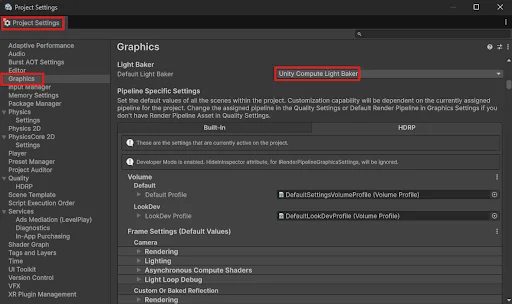
Faster lighting calculations
The new light baker uses graphics hardware to speed up lighting calculations.
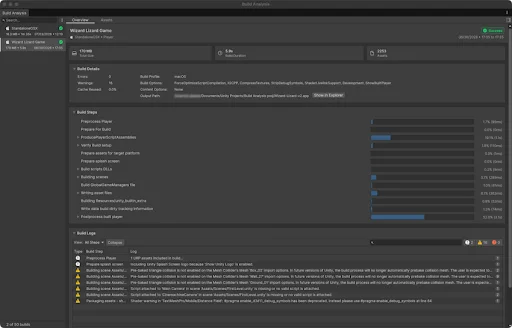
Inspect build size and time
Build Analysis shows build times, large assets, and errors together.
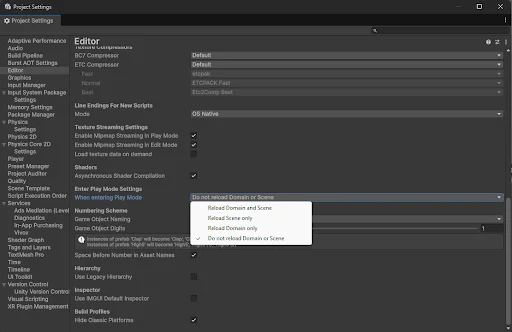
Enter Play mode faster
New projects skip code reloading when you press Play, reducing the wait before testing.
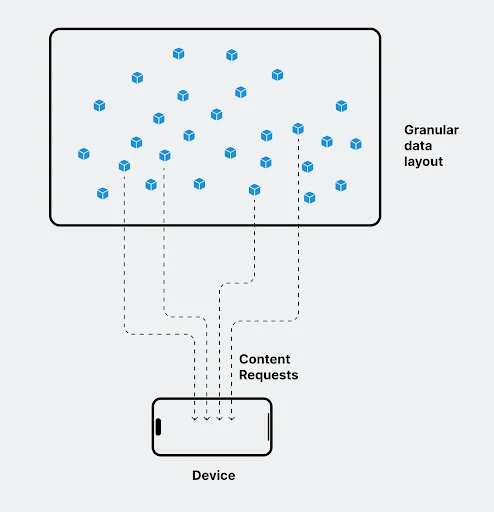
Load assets in smaller groups
Content directories give teams finer control over local asset loading.
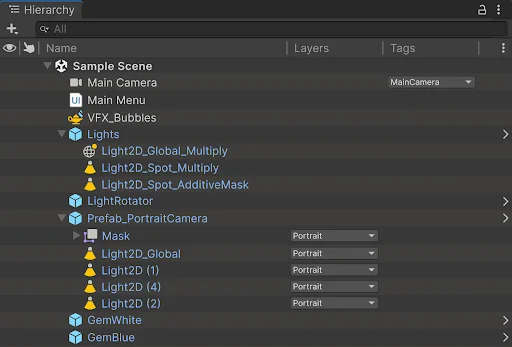
Navigate large scenes
The new Hierarchy adds customizable columns and faster scene navigation.
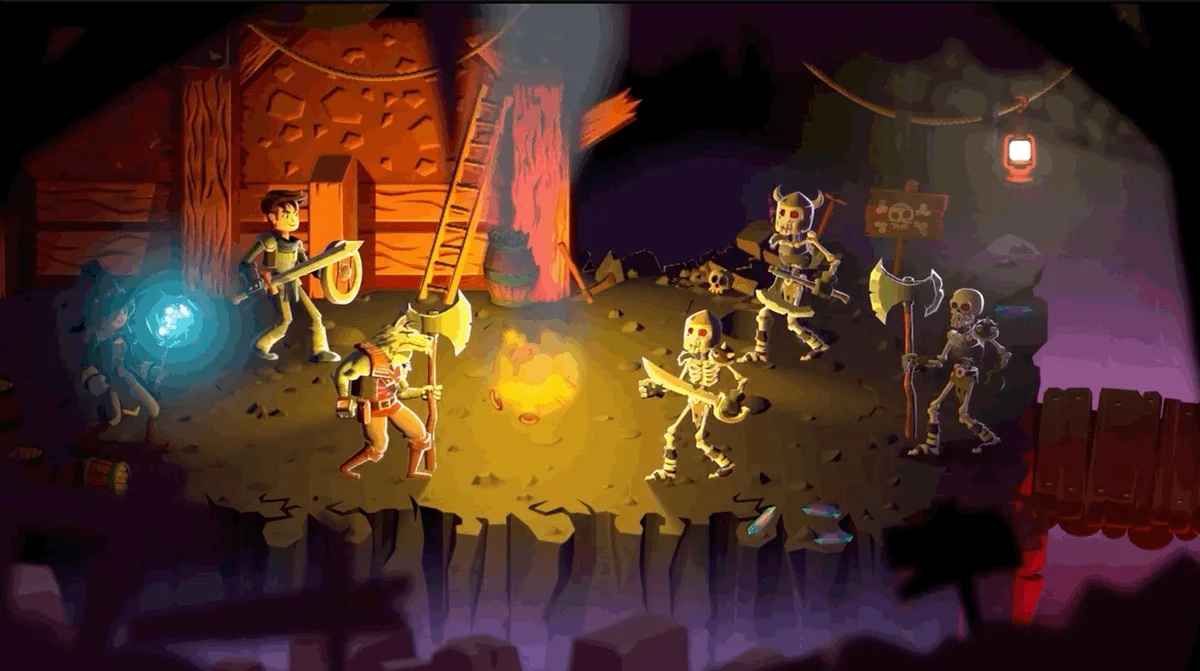
Shadows that follow characters
Animated sprites can cast shadows that follow their changing shape.
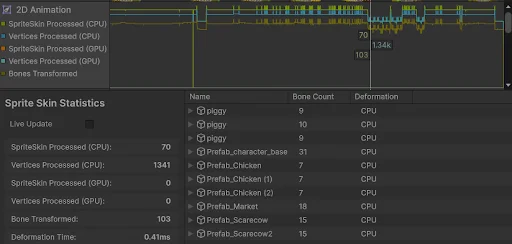
Find slow 2D animation
New Profiler modules track 2D animation, tilemaps, and lighting.
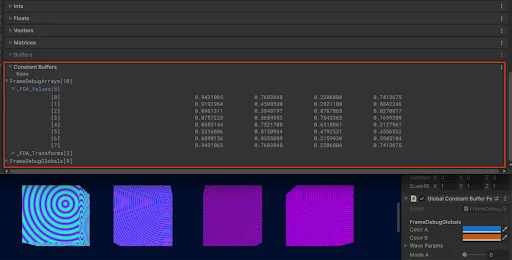
Inspect rendering details
Frame Debugger exposes more shader data to help investigate visual problems.
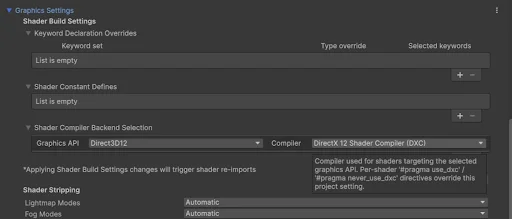
Control shader compilation
New compiler settings unlock newer shader features for DirectX 12.
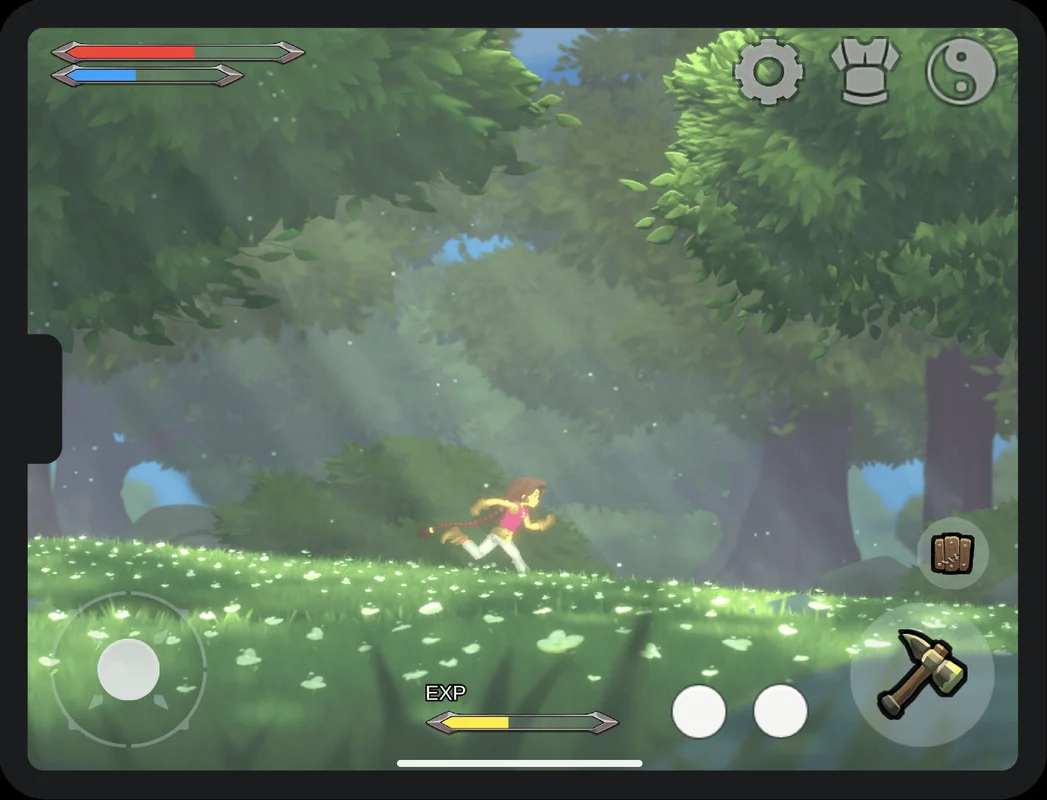
Keep controls clear of cutouts
Safe-area layouts keep interfaces away from screen notches and system gestures.
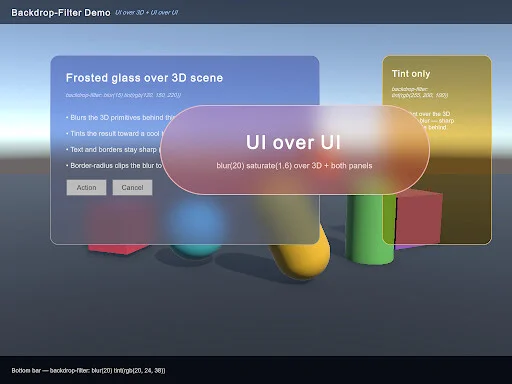
Frosted-glass backgrounds
Background filters add blur and other effects behind interface elements.
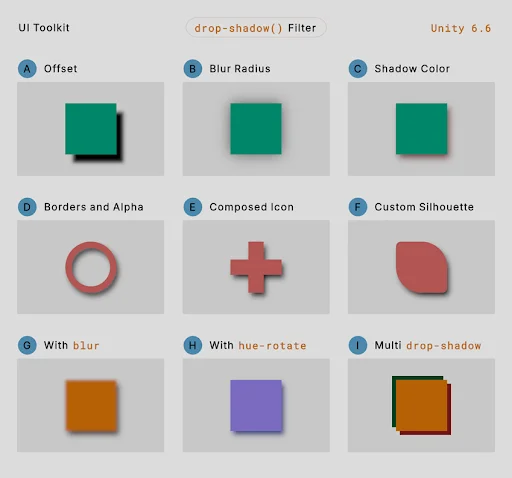
Soft interface shadows
UI Toolkit adds soft shadows around interface elements.
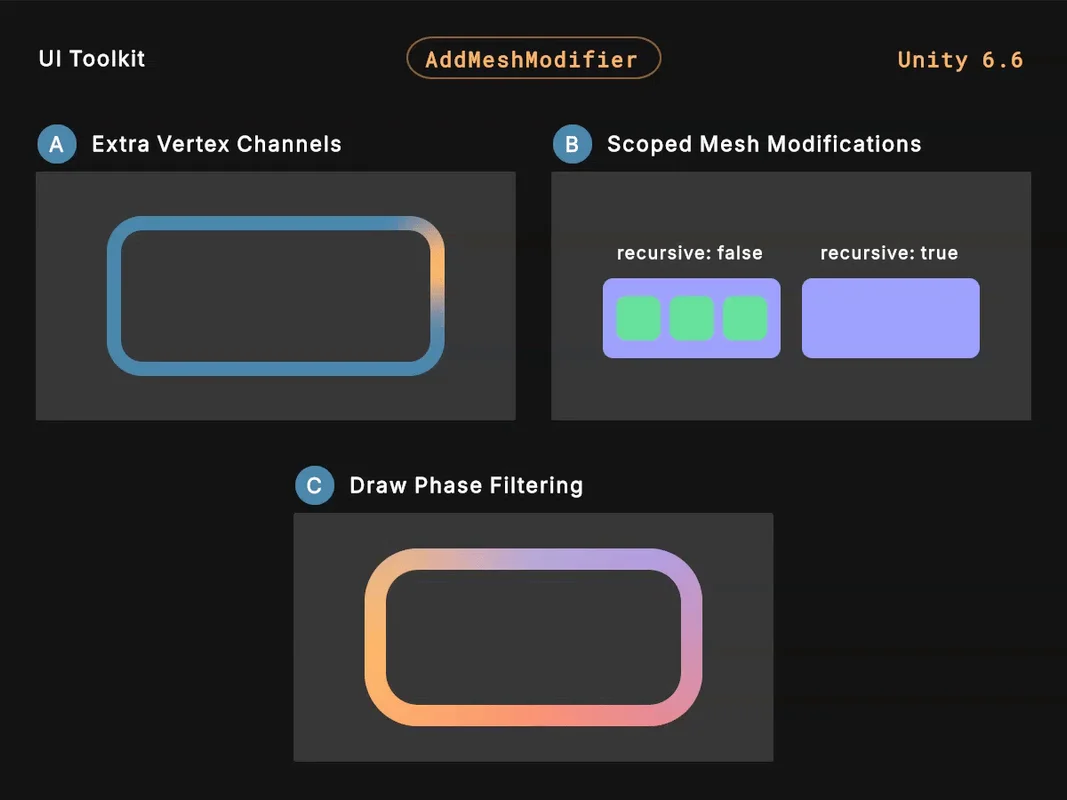
Shape custom interfaces
Mesh modifiers let teams bend and reshape interface elements.
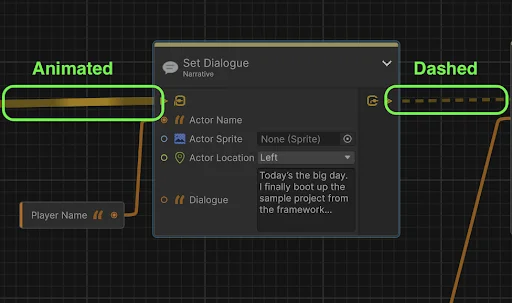
See visual tools running
Graph Toolkit can show active connections, live data, and errors inside a graph.
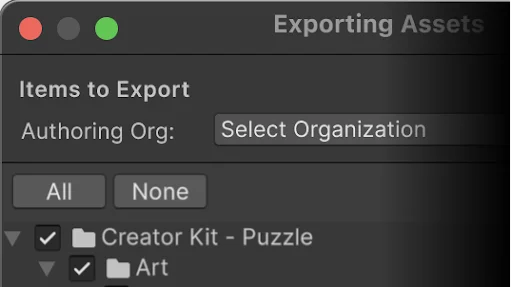
Verify imported packages
Signed Unity package files help identify who published imported content.
Support and release details
Supported now. Supported until the next release replaces it. Plan for a more frequent upgrade cycle.
Released · Reviewed
Unity’s support policy